
Ethernet Connected but No Internet on Windows 11? Find the Break
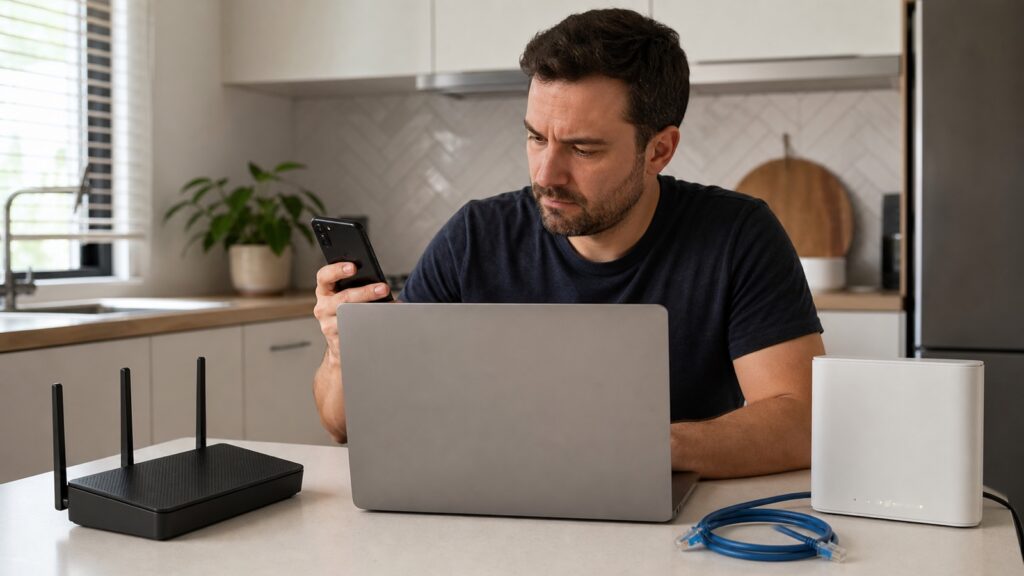
Windows can show an Ethernet link while the route to the internet is broken. Check the cable, IP, gateway, DNS, adapter, and router in that order.
PS5 Keeps Disconnecting from WiFi? Find the Link That Fails
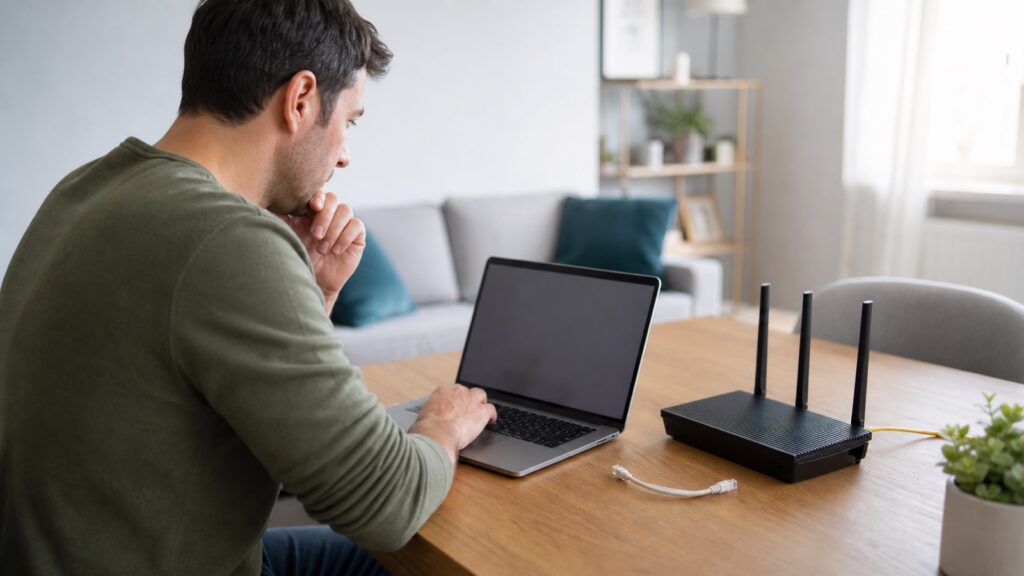
Find out whether a PS5 WiFi disconnect is caused by the console, wireless path, router, NAT, PlayStation Network, or ISP before changing advanced settings.
Hotel WiFi Login Page Not Showing? Try These Safe Fixes
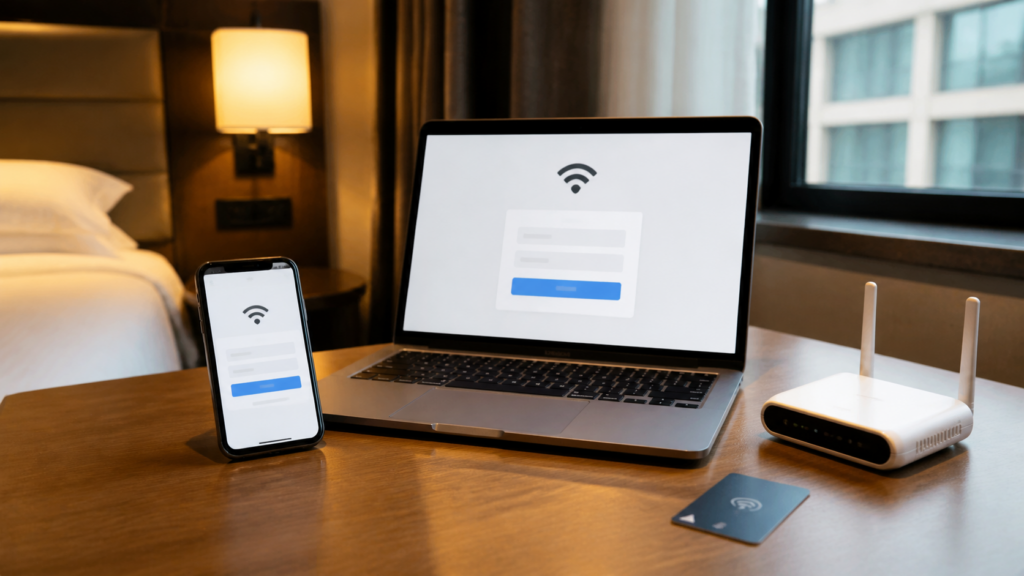
A hotel WiFi connection can be active before the browser sign-in is complete. Use a clean comparison before changing device settings.
iPhone Connected to WiFi but No Internet? Fix the Right Link
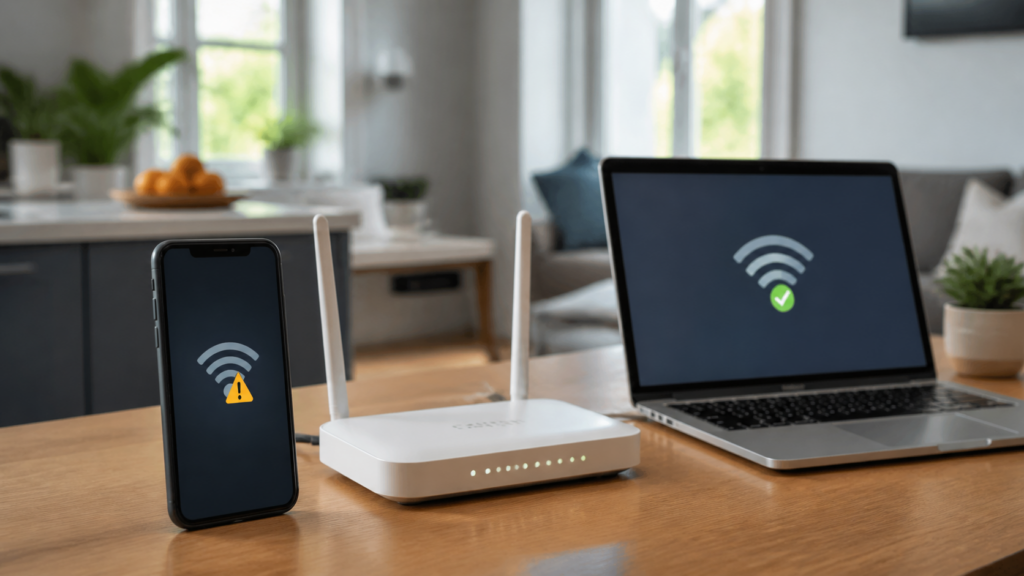
An iPhone can connect to a router while the router or a phone setting blocks internet access. Use device, app, network, and VPN comparisons before a reset.
2.4 GHz vs 5 GHz for Gaming: Choose the More Stable Band
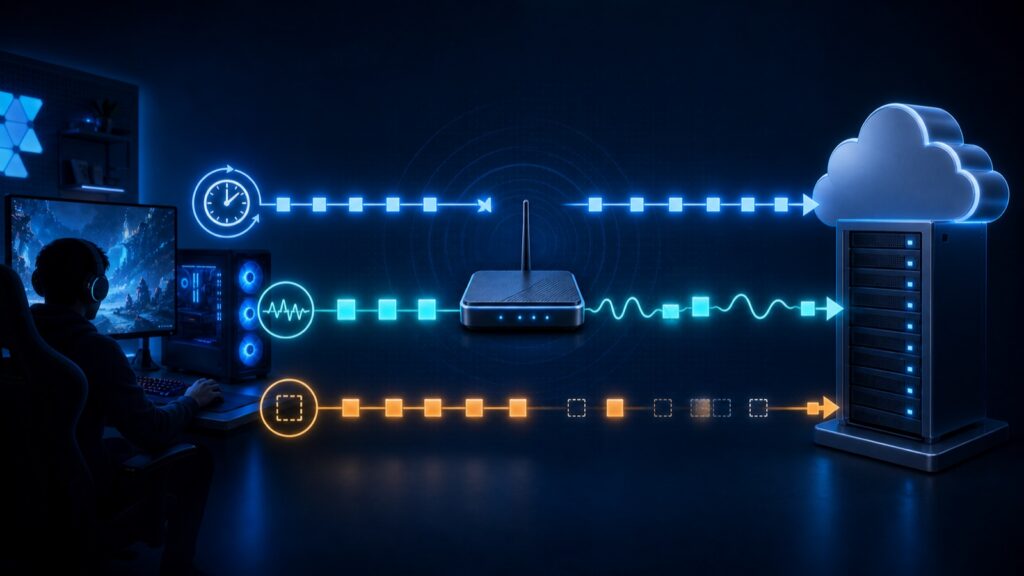
5 GHz is usually best near the router, while 2.4 GHz may be steadier through walls. Compare both bands by ping, jitter, and packet loss instead of download speed alone.
192.168.1.1 Not Opening? Find Your Router’s Real Login Address
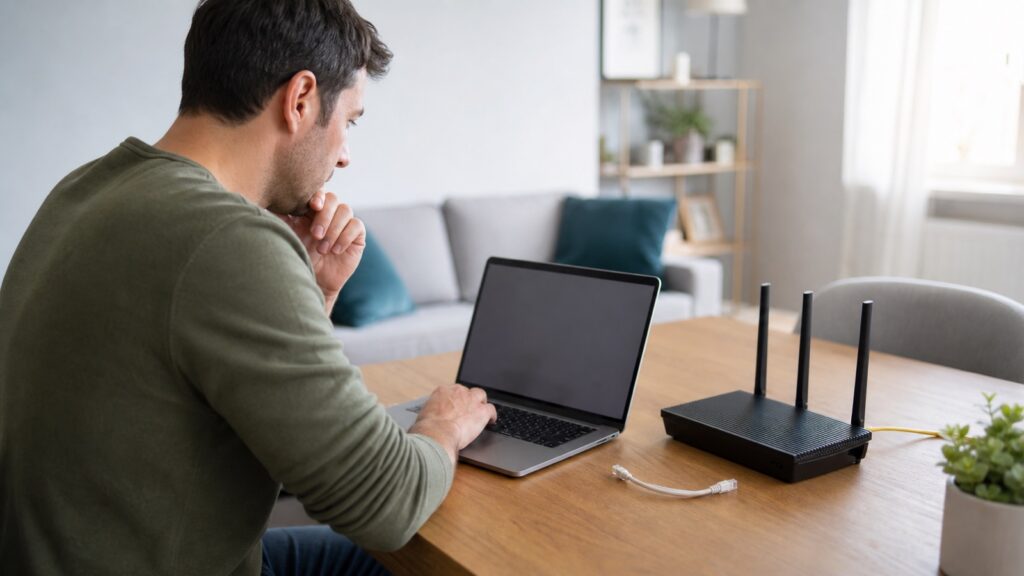
If 192.168.1.1 will not open, confirm the network, enter the address correctly, and find the actual Default Gateway before resetting anything.
Internet lenta à noite? Descubra a causa antes de trocar de plano

Internet slow at night? Compare wired, WiFi, quiet-hour, and busy-hour tests to find out whether the bottleneck is at home or with your ISP.
Internet Slow at Night? Find the Bottleneck Before You Upgrade

Internet slow at night? Compare wired, WiFi, quiet-hour, and busy-hour tests to find out whether the bottleneck is at home or with your ISP.
WiFi Keeps Disconnecting Every Few Minutes? Fix It in Order
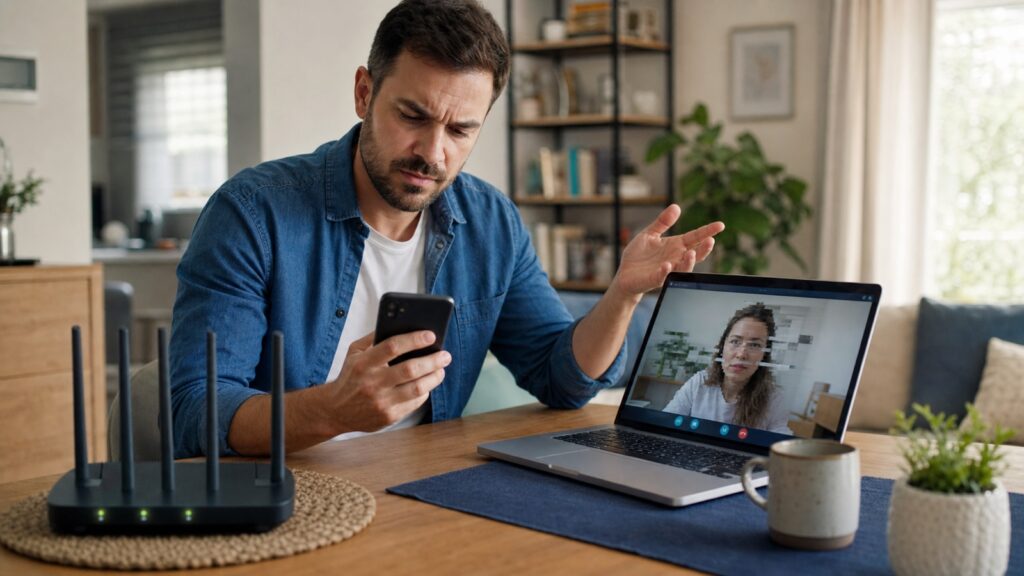
WiFi keeps disconnecting every few minutes? Isolate one device, signal, router, or ISP trouble and fix the likely cause in the right order.
Packet Loss on WiFi but Not Ethernet: Find the Cause
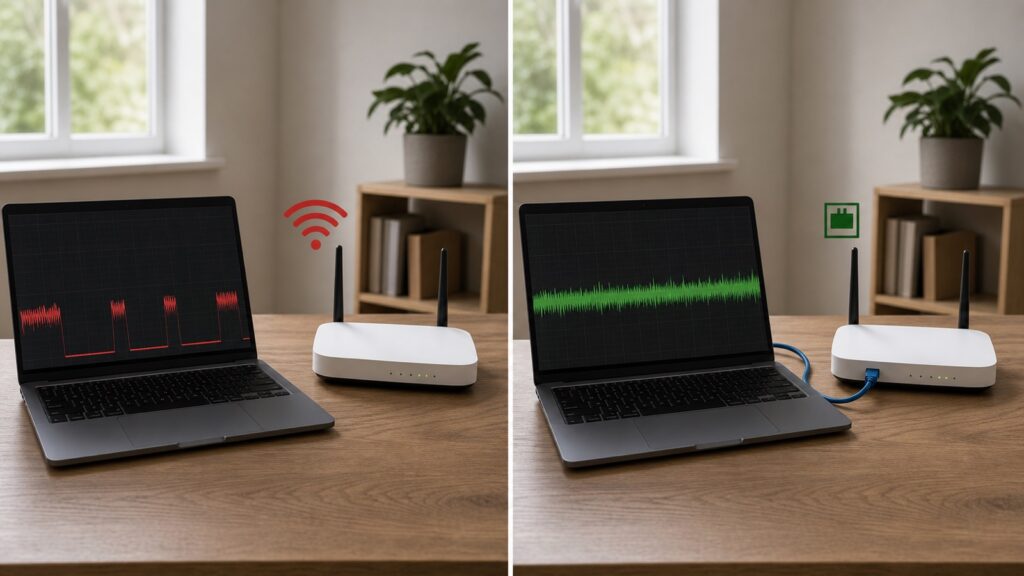
Packet loss on WiFi but not Ethernet? Compare the router and internet path, test WiFi bands, and fix signal, adapter, or router causes in order.