
DNS Server Not Responding on Windows 11: Fix It in Order
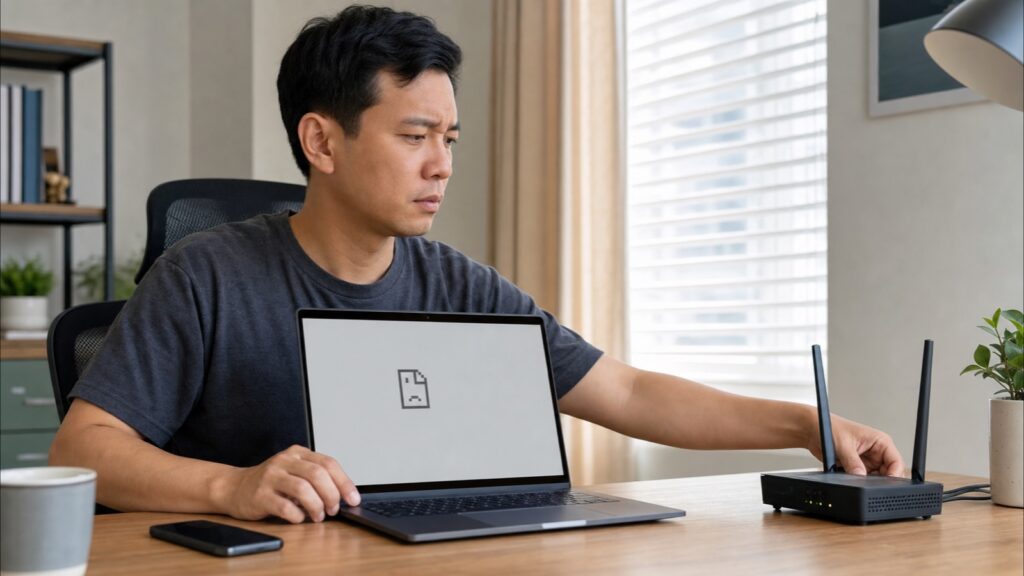
DNS server not responding on Windows 11? Follow this ordered checklist to test the router, flush DNS, change resolvers, and reset Windows safely.
WiFi Works on Every Device Except One: How to Fix It

WiFi not working on one device while everything else is online? Follow this device-first checklist for phones, laptops, TVs, printers, and smart devices.
How to Detect and Fix Double NAT on a Home Network

To fix double NAT, leave only one device in router mode. Either put the ISP gateway in bridge or IP passthrough mode and keep your own router in charge, or put the second router in access point mode and let the ISP gateway route the network. Before changing anything, find the second router’s WAN IP […]
Packet Loss vs Ping vs Jitter: What Is Ruining Your Game?

Ping measures delay, jitter tracks changing delay, and packet loss counts missing data. Learn how each one affects online games and use a two-stage test to find whether the problem is inside your home network or farther upstream.
How to Improve T-Mobile Home Internet Signal and SINR

Improve T-Mobile Home Internet signal by testing the gateway high and near several windows, comparing SINR and RSRP with real speed tests, and fixing Wi-Fi separately from the cellular link.
Packet Loss in Valorant? Find the First Bad Hop
Valorant packet loss can start in the game service, PC, WiFi, home traffic, router, or ISP path. Use Ethernet and a short ping comparison to isolate it.
Windows 11 Setup Has No WiFi Option? Fix It

No WiFi option during Windows 11 setup? Use Ethernet, a hotspot, or install the correct WiFi driver from USB with these safe steps.
Starlink Mini Says Disconnected? Fix It in This Order

Starlink Mini says Disconnected? Find out whether the problem is WiFi, power, an app alert, or the internet, then fix it in the safest order.
How to Share Your Wi-Fi Password With Guests
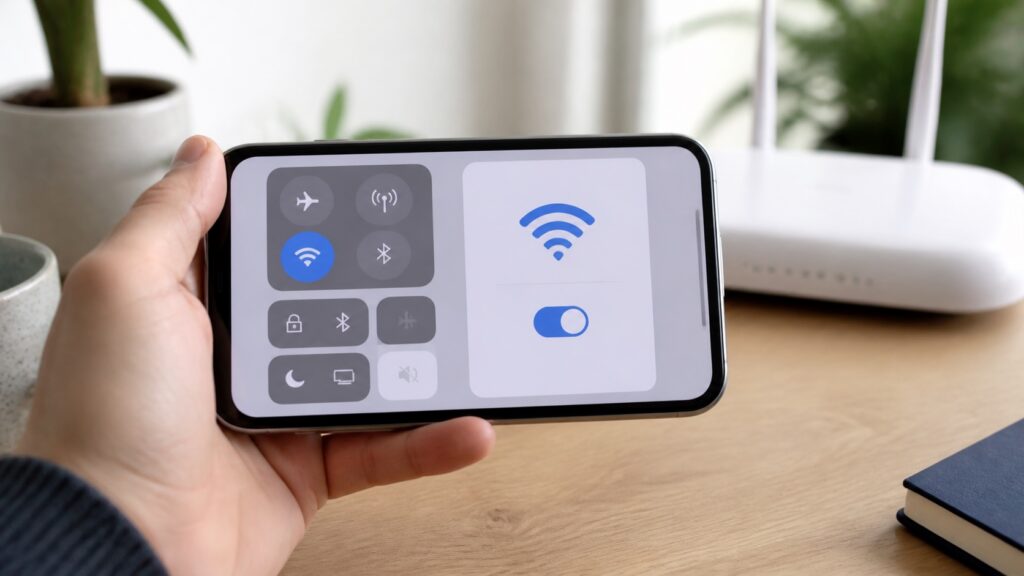
Use a built-in Wi-Fi QR code from iPhone, Android or Windows 11. Share a separate guest network and skip online generators.
WiFi Connected but No Internet? Find the Broken Link
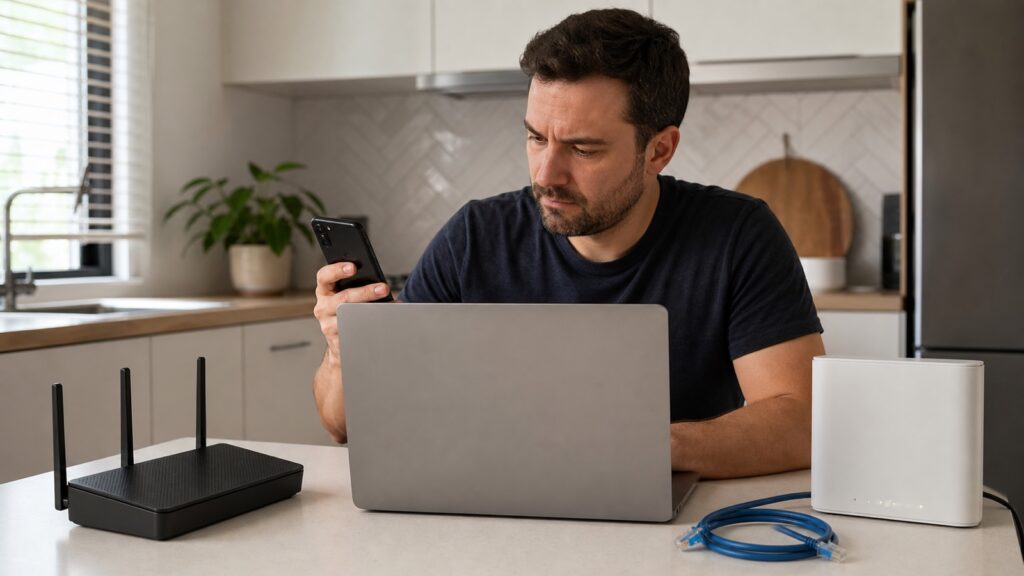
WiFi can connect to a router even when the internet path is broken. Test another device first, then follow the matching device, gateway, DNS, or ISP branch.