
Nintendo Switch Keeps Disconnecting from WiFi? Find the Cause
If your Nintendo Switch drops WiFi during a game, first check whether the console is the only device losing the connection. Test a phone in the same room, then run the Switch connection test. This separates a console setting or signal problem from a router or internet outage. Check another device when the drop happens […]
Smart TV Connected to WiFi but No Internet? Fix It
If your smart TV says it is connected to WiFi but apps will not load, first check whether the problem is limited to the TV. Open a webpage on a phone using the same network, then run the TV’s built-in network test. Those two checks separate a home internet outage from a TV connection, DNS, […]
Chromebook Connected to WiFi but No Internet? Fix It
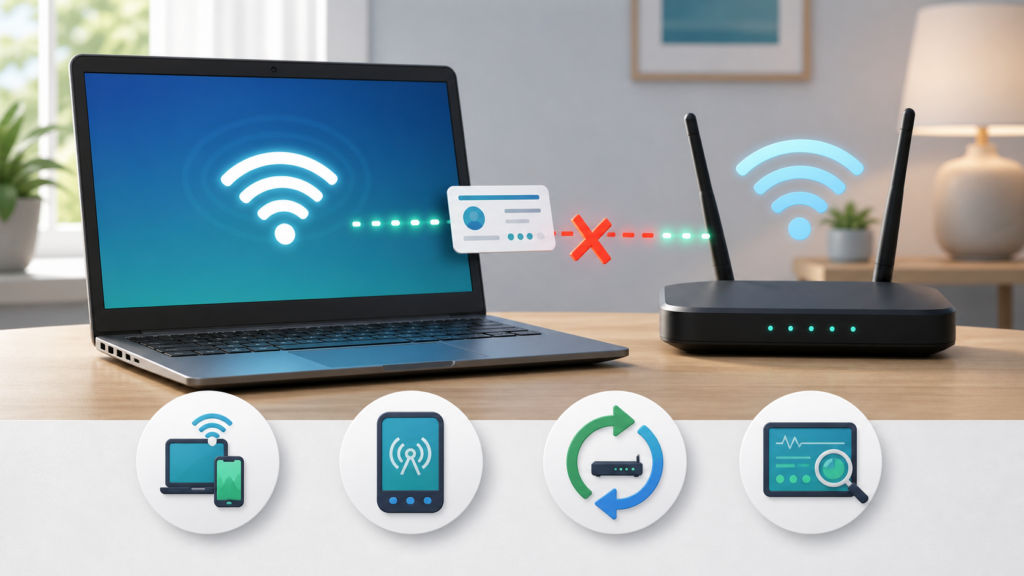
Compare another device and another permitted network, then check the exact error. DHCP, DNS and captive-portal failures need different steps before a reset.
Android Connected to WiFi but No Internet? Try These Fixes
If your Android phone says it is connected to WiFi but apps cannot load, first find out whether the problem is the phone or the home network. Check another device on the same WiFi, then work through the phone’s saved network, VPN or Private DNS, time settings, and network reset. These steps are safer than […]
Printer Connected to WiFi but Not Printing? Find the Break
If a printer says it is connected to WiFi but nothing prints, the wireless link is only one part of the path. The printer can join the router while your computer uses a different network, the print queue is stuck, or the device has an old address. Work from the printer outward so you do […]
Video Calls Keep Freezing but Speed Test Is Fast? Fix It
Video calls can freeze even when a speed test shows a fast download number. A speed test is a short measurement to one test server, while a call needs steady upload, low delay, and few interruptions for many minutes. Start by checking whether the problem affects one device or the whole home, then test the […]
VPN Connected but No Internet? Safe Checks and Fixes
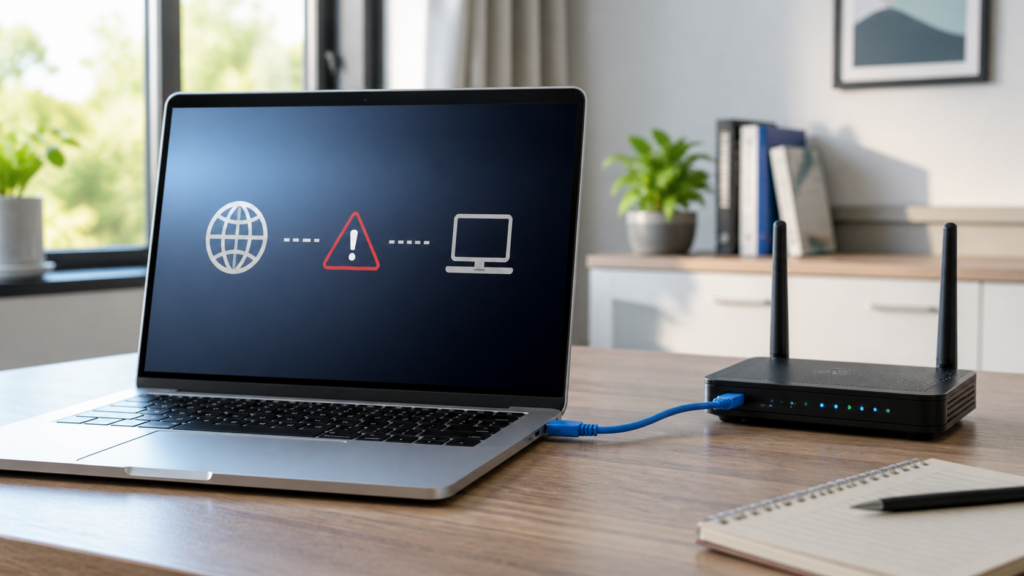
Check why a VPN shows connected while websites fail, compare another device and follow safer steps without disabling required protections.
Phone Hotspot Connected but No Internet? Check Both Devices
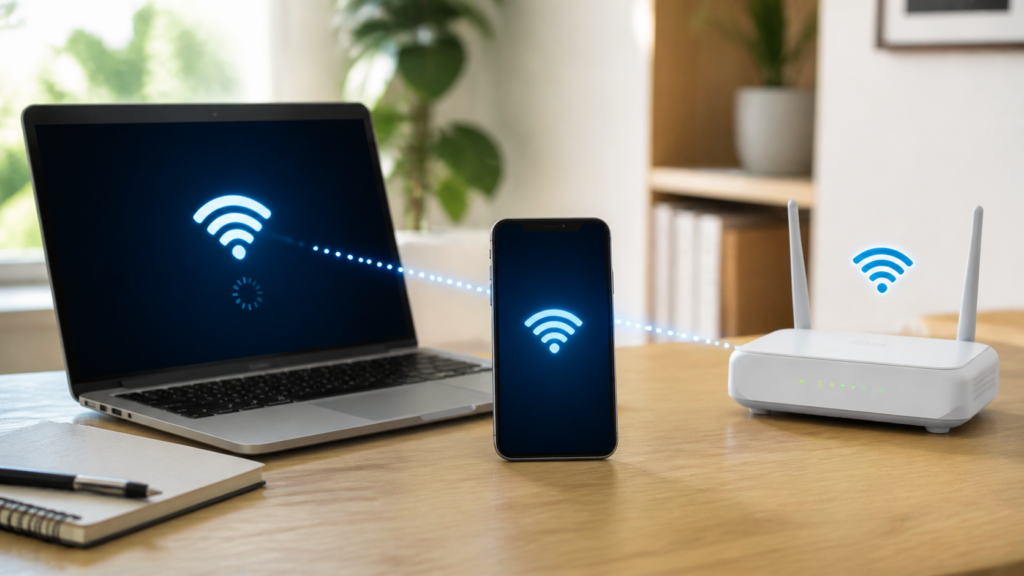
Phone hotspot connected but no internet? Check mobile data, hotspot limits, saved WiFi profiles, VPNs, band settings, and carrier support in order.
Router Internet Light Red but WiFi Is On? Check These Steps
A red Internet or WAN light usually means the router is not detecting a usable connection to the modem, ONT, or ISP. The WiFi radio can stay on because it is a separate local function. Start by finding out whether the problem affects every device, then check the cable path and modem status before changing […]
WiFi Calling Not Working? iPhone and Android Checks
WiFi Calling not working at home or turning itself off? Check call status, the active SIM, emergency address and network before resetting.