
New Router Connected but No Internet? Check the WAN Setup
New router connected but no internet? Check the WAN port, cable, modem, IP address, provider setup, and Ethernet path before changing advanced settings.
Router Internet Light Red but WiFi Is On? Check These Steps
Router internet light red but WiFi is on? Check the modem, WAN cable, outage status, and router settings in this safe troubleshooting order.
Smart TV Connected to WiFi but No Internet? Fix It
Smart TV connected to WiFi but no internet? Use hotspot, Ethernet, band, app, and router checks to find the failing link.
VPN Connected but No Internet? Find the Block

Find out whether a connected VPN, the local network or the device needs attention while keeping required security protections enabled.
Android Phone Connected to WiFi but No Internet? Fix It
If your Android phone says it is connected to WiFi but apps and websites will not load, first find out whether the problem is limited to the phone. Try the same WiFi on another device, then turn WiFi off on the phone and test mobile data. Those two checks tell you whether to work on […]
Phone Hotspot Connected but No Internet? Fix the Share

Home Networking / Hotspot Connected but No Internet If your laptop or tablet connects to your phone hotspot but pages will not load, first check whether the phone itself can browse with WiFi turned off. That single test separates a cellular-data problem from a hotspot-sharing problem. Work through the checks below before changing network settings […]
Mac Connected to WiFi but No Internet? Fix It
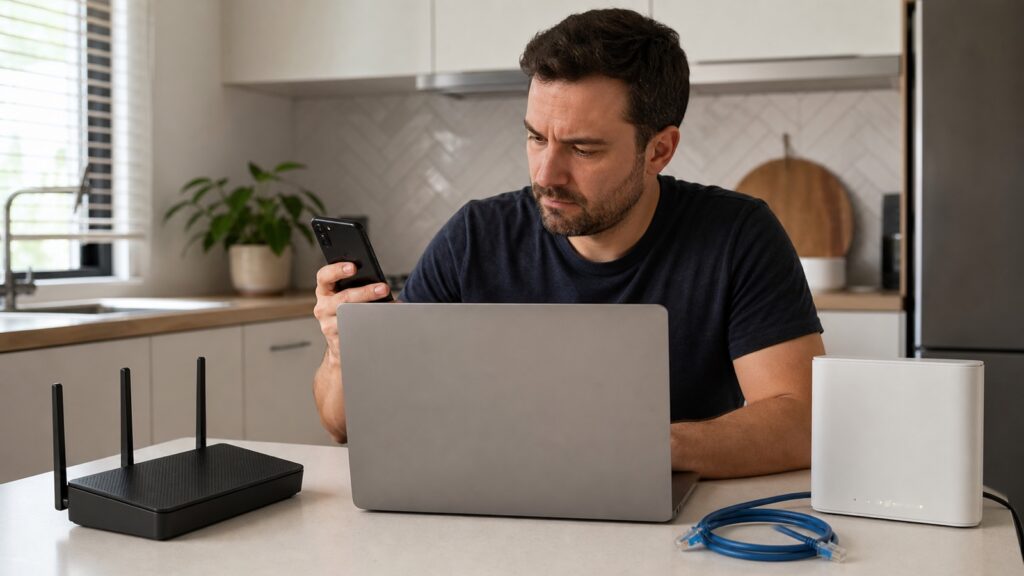
If your Mac says it is connected to WiFi but websites will not load, first check whether other devices still have internet. If a phone and TV work normally, focus on the Mac’s saved network, address, VPN, or DNS settings. If every device fails, use a router and provider check instead. Start with a two-device […]
Router Keeps Restarting? Check Heat and Power First
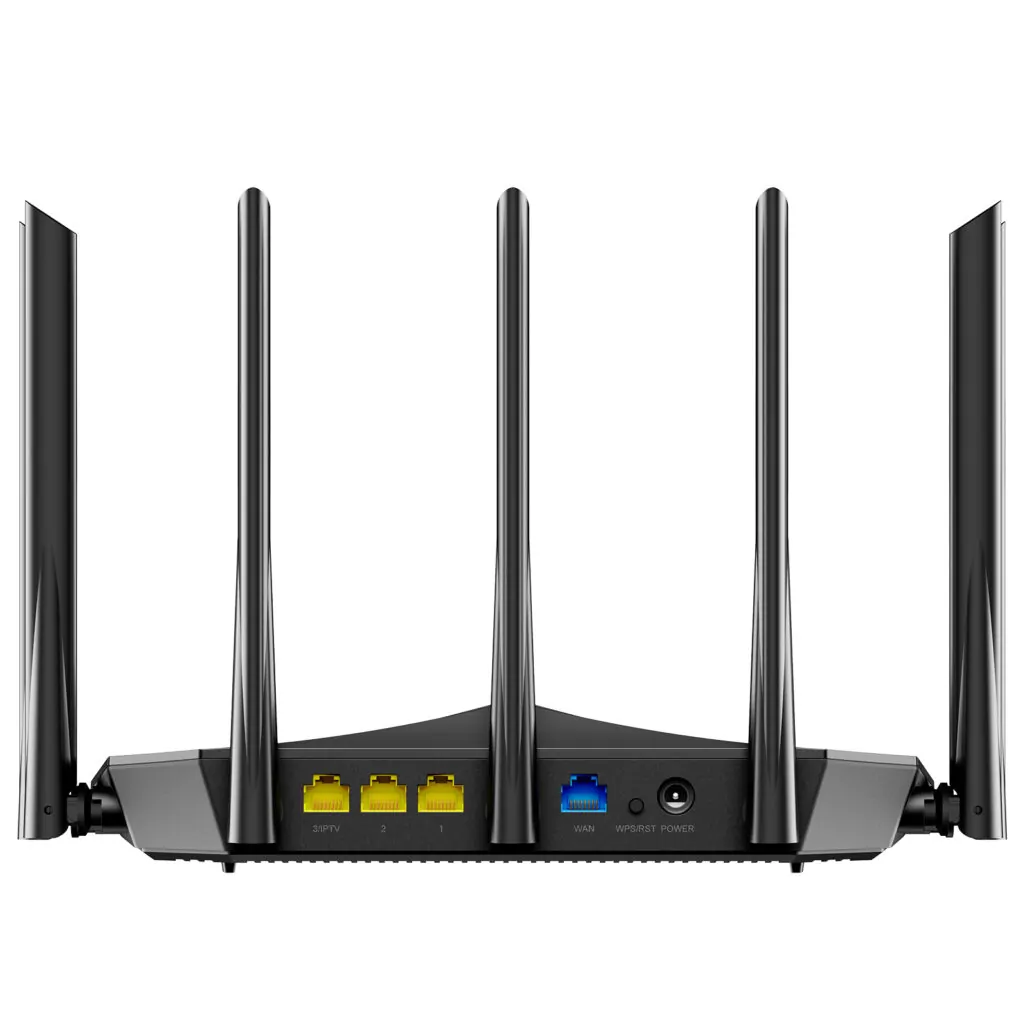
A router that restarts by itself can make every device disappear for a few minutes. Heat, an unreliable power adapter, outdated firmware, or a failing component are common causes. Start with the safe checks below and watch whether the restart happens during heavy use, after the router gets hot, or at a regular scheduled time. […]
Is It WiFi or an Internet Outage? Find the Break
When the internet stops working, the fastest first question is whether the problem is inside your home or outside it. Check more than one device, the modem or fiber gateway status, and your provider’s outage information before changing WiFi settings. This quick split can prevent a factory reset when the line itself is down. Start […]
WiFi Network Not Showing on Your Phone? Find the Cause
If your home WiFi name is missing from the phone’s network list, start by separating a phone problem from a router problem. Check whether another device can see the same network, then work through the radio, band, and saved-network settings. This order avoids changing the router when only one phone is affected. Check whether the […]