
Why Does My Internet Think I Am in Another City?
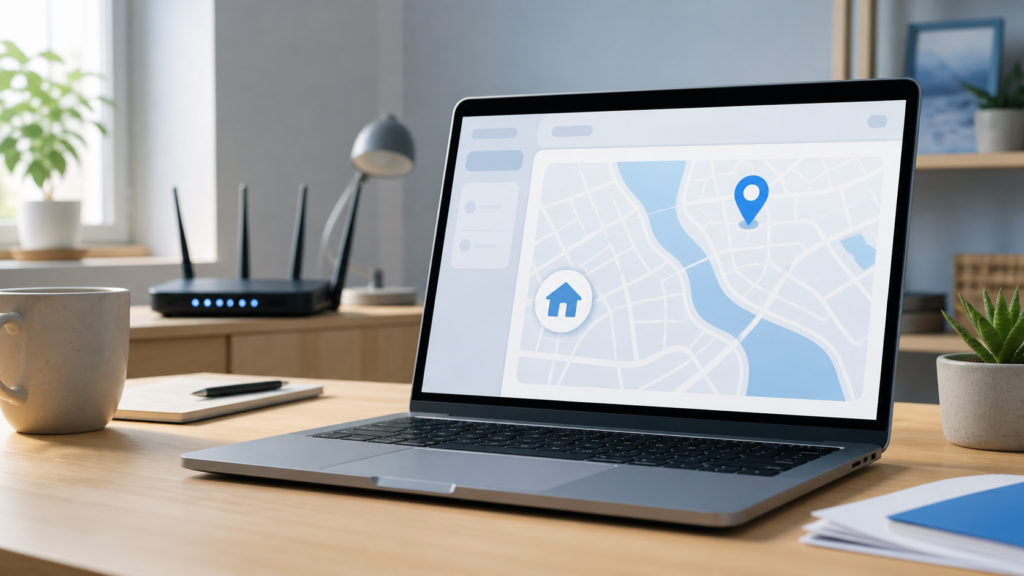
A website can estimate your location from an IP address, device location, account setting, or saved choice. Find which source is wrong before changing the network.
Internet Works in One Browser but Not Another? Fix the Browser
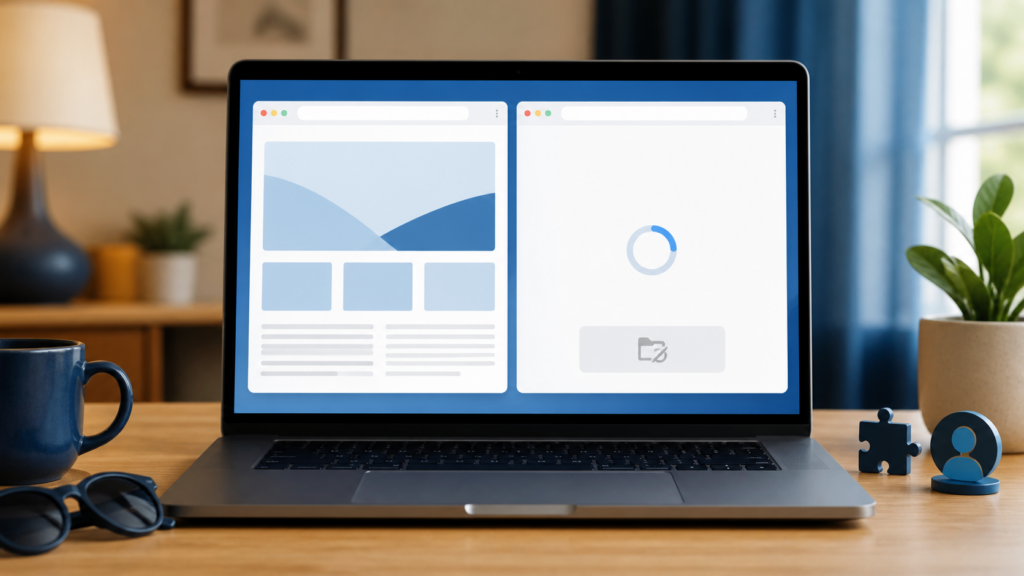
If the same site opens in another browser on the same device and network, the connection is probably working. Isolate the affected browser before resetting Windows or the router.
Internet Disconnects When the Phone Rings? Check the DSL Line
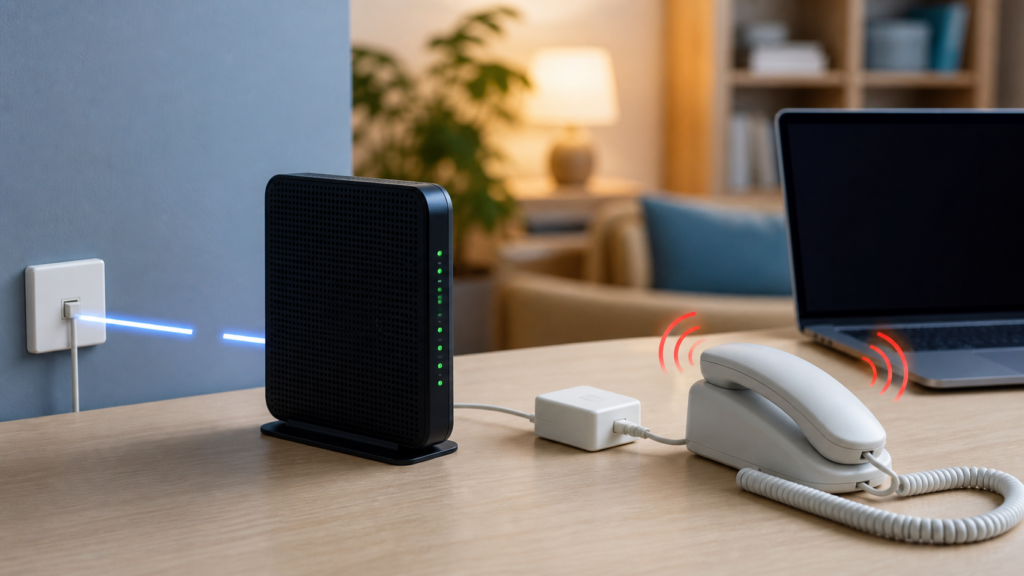
A ringing landline should not knock DSL offline. Check the broadband light, phone-line filters, connected devices, and inside wiring before replacing the router.
Failed – Network Error in Chrome? Fix the Download

A Failed – Network error in Chrome can come from an interrupted connection, one broken file link, an expired sign-in, the browser, the save location or a security block. Check the exact download and any warning before changing the network, then compare one file, another browser and another device.
Fitbit Not Syncing? Check Bluetooth and Internet Separately
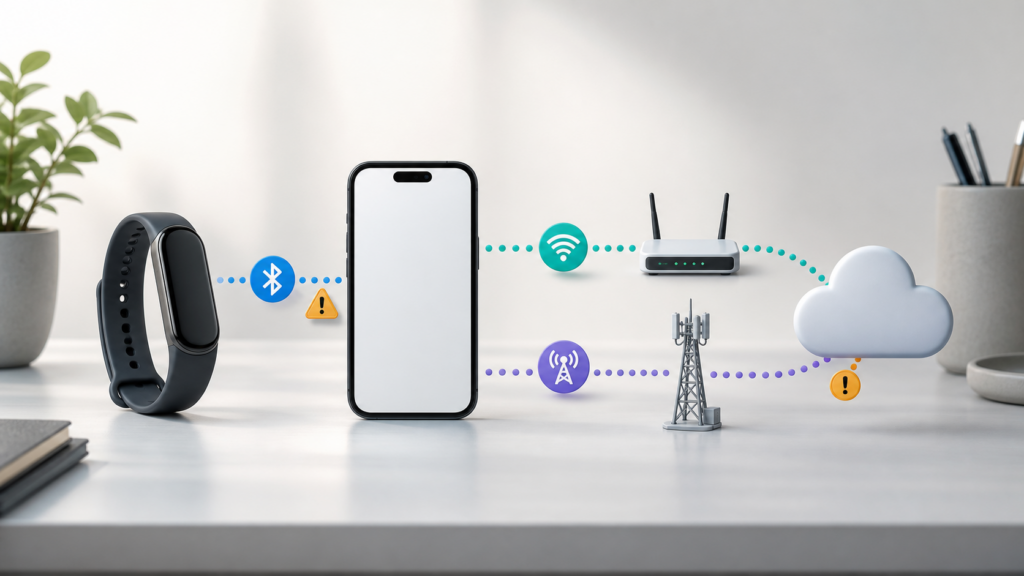
Most Fitbit syncing uses a nearby phone as the bridge. The wearable needs a working Bluetooth path to the phone, while the app needs internet access to update the account.
Garmin Not Syncing? Check Bluetooth and Internet Separately
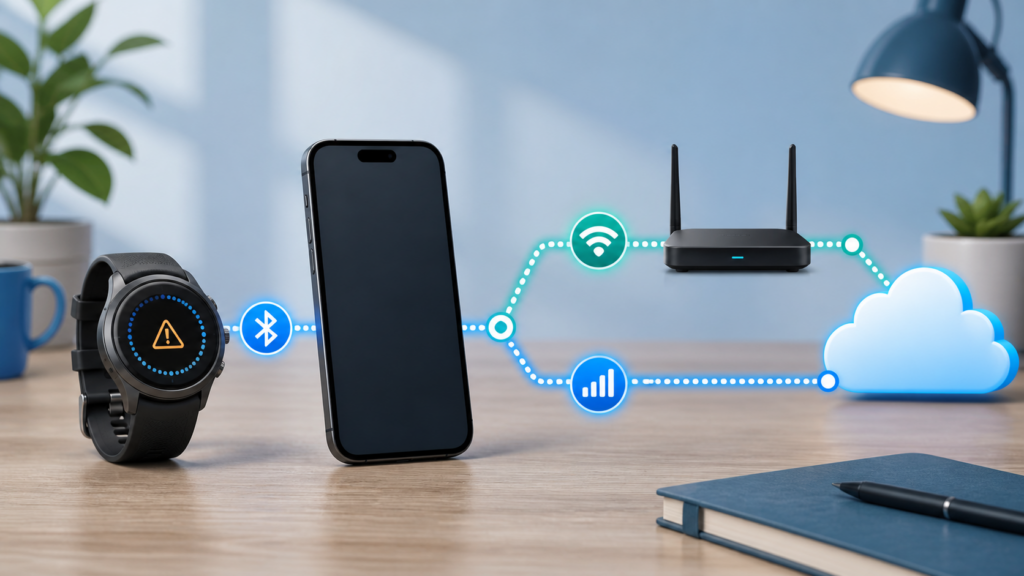
Garmin Connect usually needs Bluetooth between the Garmin device and phone, then WiFi or mobile data from the phone to Garmin’s service. Find which side stopped before unpairing anything.
FaceTime Not Working on WiFi but Works on Cellular? Find the Block
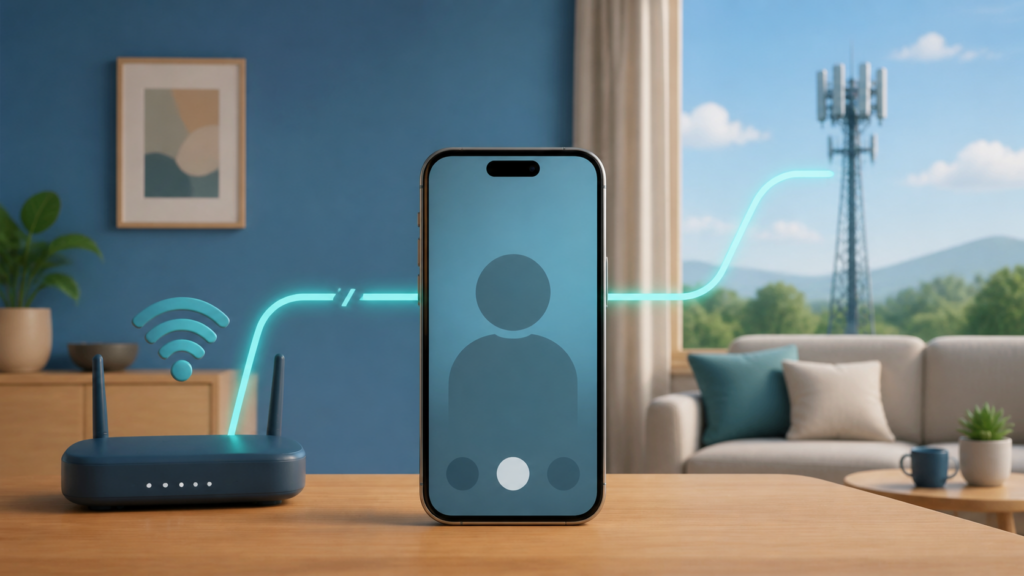
If FaceTime works on cellular, the account and app are at least partly working. A few comparison tests can show whether one WiFi network is the real problem.
Apple Watch Not Connecting to WiFi? Check the Connection Path
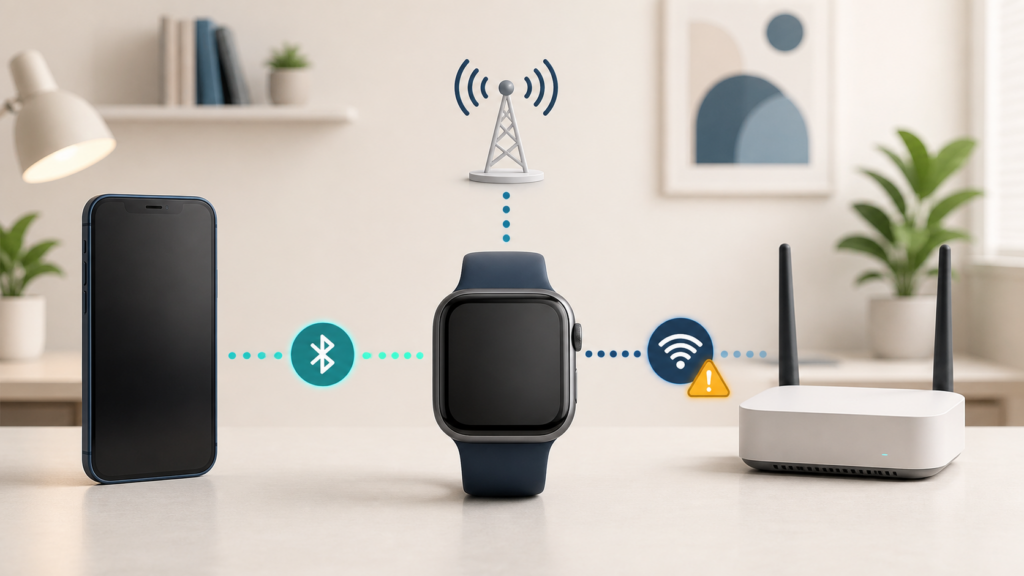
Apple Watch normally uses its nearby iPhone before WiFi. Check the connection icon, network compatibility and public-login limits before reconnecting or unpairing.
3D Printer Not Connecting to WiFi? Find the Failed Stage
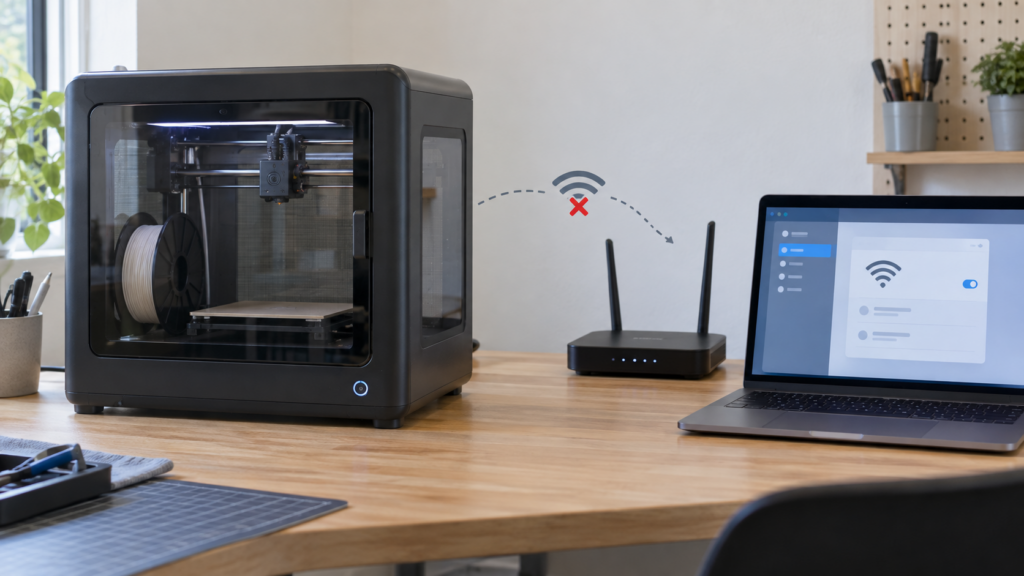
Find whether your 3D printer fails at network discovery, password authentication, IP assignment, local discovery or cloud access before changing settings.
WiFi Only Works Near the Router? Find Out Which Side Is Weak
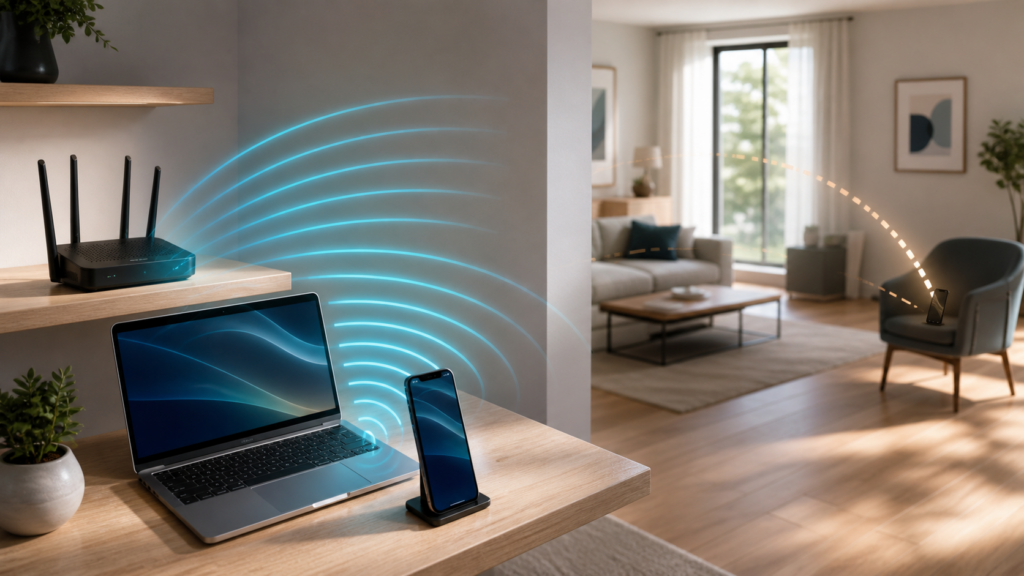
WiFi that works beside the router but fails a few steps away can come from weak home coverage or one weak device. A controlled two-device test separates them before you replace anything.