
Phone Hotspot Connected but No Internet? Fix the Share
If your laptop or tablet connects to your phone hotspot but pages will not load, first check whether the phone itself can browse with WiFi turned off. That single test separates a cellular-data problem from a hotspot-sharing problem. Work through the checks below before changing network settings or calling your carrier. 1. Confirm mobile data […]
TV Keeps Buffering but Internet Is Fast? Find the Bottleneck
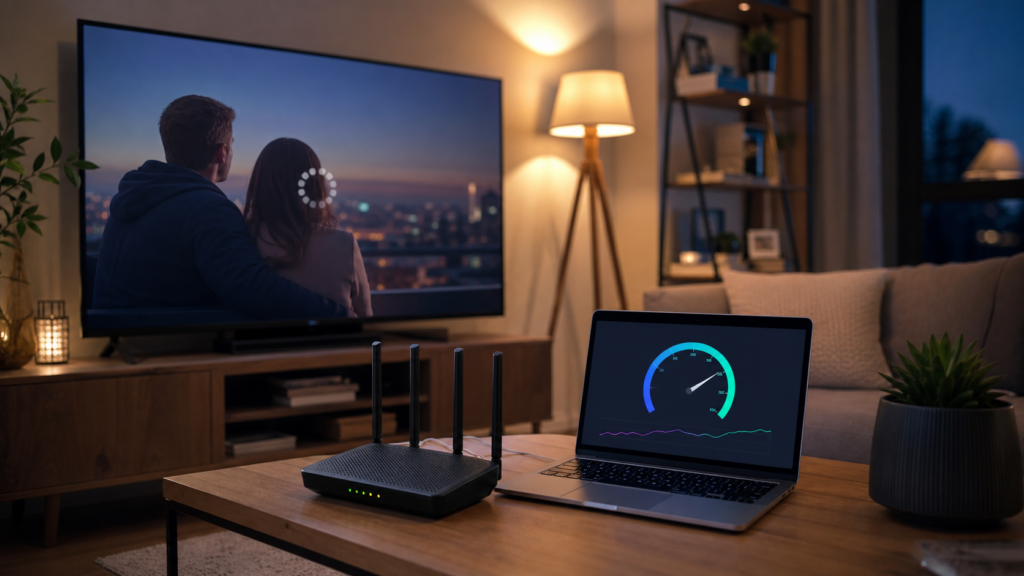
A fast speed test does not prove that a TV has a stable streaming path. Compare another app, Ethernet, WiFi, household traffic, TV software, and busy hours before upgrading.
How to Share Your Home WiFi Password with Guests and Friends
Welcoming guests into your home often includes sharing your WiFi password so they can stay connected. Whether it’s for streaming, work, or just browsing, having a quick and easy way to share your WiFi details can make your guests feel more at home. Here’s a comprehensive guide on how to share your home WiFi password […]
How to improve my wireless speed or range?
Precondition: 1. Please be sure that the hardware connection is correct and tight. 2. Make sure the firmware is the up to date. 3. If the Internet is not stable, please contact your Internet service provider to do some troubleshooting first and make sure the Internet line(DSL or cable) is good. 4. Use an Ethernet […]
How to Configure a Guest Network on WiFi Router?
Guest Network allows you to provide Wi-Fi access for guests without disclosing your main network. When you have guests in your home, apartment, or workplace, you can create a guest network for them. Example Scenario: A group of friends are going to visit your home and stay for about 8 hours. Goal: Prevent the use […]
How to log in web management page of Speedefy router for the first time
With a web-based utility, it is easy to configure and manage the router. The web-based utility can be used on any Windows, Macintosh or UNIX OS with a Web browser, such as IE, Edge, Chrome, Firefox or Safari. It is a built-in internal web server that does not require Internet access. But it does require […]
How to Change the DNS servers on a Speedefy router?
This Guide will show you how to change the DNS address in your Speedefy wireless router. Step 1: Launch a web browser from a computer or mobile device that is connected to the network. Step 2: Enter http://www.speedefywifi.com or 192.168.3.1 Step 3: Enter the login password. Step 4: Go to Internet Settings > DNS Settings, […]
How do I set up web-based remote management?
Overview The web-based remote management feature lets you access your router over the Internet to view or change its settings. To access the configuration page, please log in to the web management page, and select System Settings > Web-based Remote Management. Parameter Description Remote Management Enable or disable the web-based remote management function. Remote IP […]
How to reset the router to factory defaults?
Note: 1. A hard reset will restore your device to factory default settings. You should reconfigure the device from scratch or you can load the configuration file you have backed up before the reset. 2. For these models, we could see WPS/RESET button on the rear panel. To reset the router, please push the WPS/RESET […]
How to place your wireless device for optimal reception and performance?
When you buy a router, you may be confused about the best place to put your router for the best performance. This article will give you a few tips. Tip 1. Position your wireless device in a central location. The router’s impact on network speed is critical, so keep your router as close to the […]


