
How to Change the MTU Settings in Speedefy Wi-Fi Routers?
What is an MTU: MTU or Maximum Transmission unit, is the largest size packet that can be delivered in bytes without fragmentation. The largest size allowed over Ethernet and most of internet service providers is 1500 bytes. This means the maximum size a data packet can transmit is 1500 bytes. What is Fragmentation: Fragmentation is […]
How do I find my device’s MAC address?
Follow these instructions to find your computer or mobile device’s media access control address (MAC address). Follow the steps for the operating system that you use. Example of a MAC address: 00:00:00:a1:2b:cc Every device connected to your home network has a unique MAC address. If your computer has multiple network adapters (for example, an Ethernet […]
How do I update the firmware on my Speedefy router with the Speedy WiFi app?
Speedy WiFi regularly releases firmware updates to improve product performance, add features, and enhance security. To ensure that new features are available on your router, make sure that it’s running the latest firmware. To update your router’s firmware using the Speedy WiFi app: 1. Connect your mobile device to your router’s WiFi network. 2. Launch […]
What is the login password and how do I change it?
The login password is designed to protect your WiFi network. For security, the login password is necessary when you want to access the app or the web management page of the router, so other people can not change your WiFi network easily even though he/she has connected to your WiFi network. It is very important […]
What is a WiFi Router?
The invention of the internet has been a game-changer for human civilization, transforming how we communicate, work, and access information. One critical technology that has enabled widespread internet access is the wireless or Wi-Fi router for short. A Wi-Fi router is a device that enables wireless connectivity between devices and the internet, allowing users to […]
How to set up a Speedefy WiFi router?
This article is for all Speedefy products (K4, K7, K7W, K8, and KX450) Getting your new Speedefy router set up doesn’t need to be complicated. This article will walk you through the process step-by-step—connecting the hardware, configuring your router, and getting your devices connected and ready to go—so you can enjoy your new wireless Internet. […]
How to choose router’s connection type for your network?
Normally, a router has 3 connection types, PPPoE, DHCP and Static IP. What’s the difference between them? How should you choose the correct connection type for your home network? This article will give you an answer. PPPoE needs authenticating first. Only when your account password is correct, will it assign a valid IP to you. […]
How to Share Your Wi-Fi Password Securely and Quickly?

We’ve all been there. You need the Wi-Fi passwords for a network you’re already connected to, either to give it to your friends else or to set up a new device, but for the life of you, you can’t remember what it is. Have no fear, we will show you how to share your Wi-Fi password with different devices. We will also show you how to retrieve forgotten Wi-Fi passwords. You can keep your wireless network safe and secure by following these simple steps!
How to Reset Router: Change Password and Fix Internet
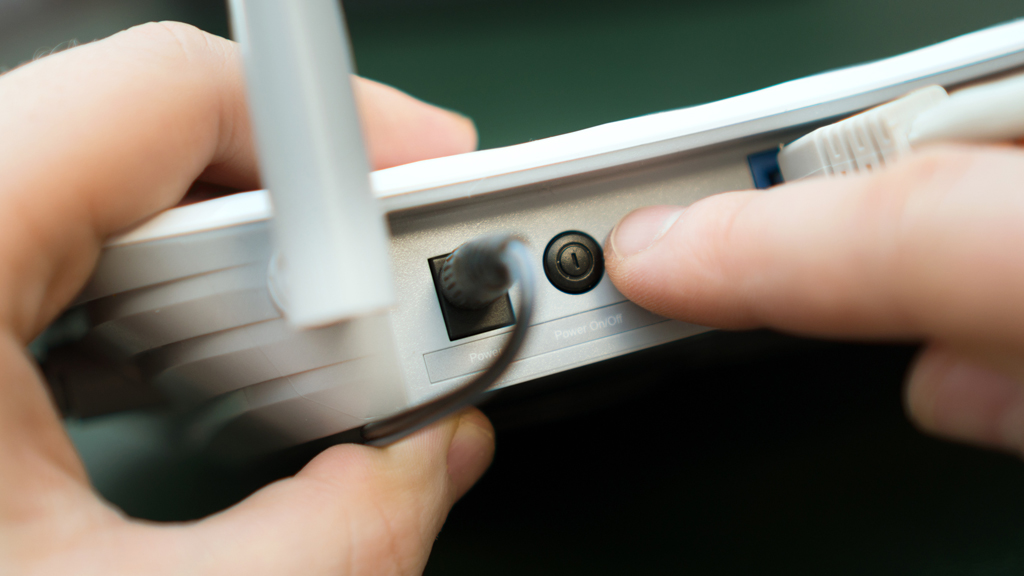
You sit down to watch your favorite show and suddenly, the WiFi connection drops. You may be able to reconnect for a few minutes at a time but eventually, get disconnected again. This can happen for many different reasons: too much traffic on your network, you can’t access the Internet, your router’s network connection is wrong, or your router itself has a network problem. In this article, we’ll walk you through how to reset your WiFi router to fix these network issues!
How to Boost Wi-Fi Signal Strength and Internet Speed

Wi-Fi signal is always so weak? Slow wireless network speed? These are all annoying things. If you are suffering from these torturous problems, please read this article. This article will show you how to test your internet speed and find out the possible factors that affect your internet speed. This article will also tell you how to improve your Wi-Fi signal strength and speed, and some advice on buying a new wireless router.


