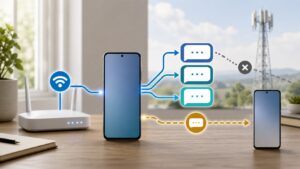
Yes. iMessage uses an internet connection: WiFi when available, or cellular data when that is the connection carrying the message. A blue bubble does not mean the message avoided your data allowance. Photos and videos also use that connection, while a green bubble can mean RCS, SMS or MMS, each with different billing rules.
Apple’s current iPhone guidance checked October 22, 2026. This is a U.S. consumer guide to data and messaging charges, not a measured MB-per-message test. Settings can differ by iOS version and carrier.
Separate iMessage data from your text allowance
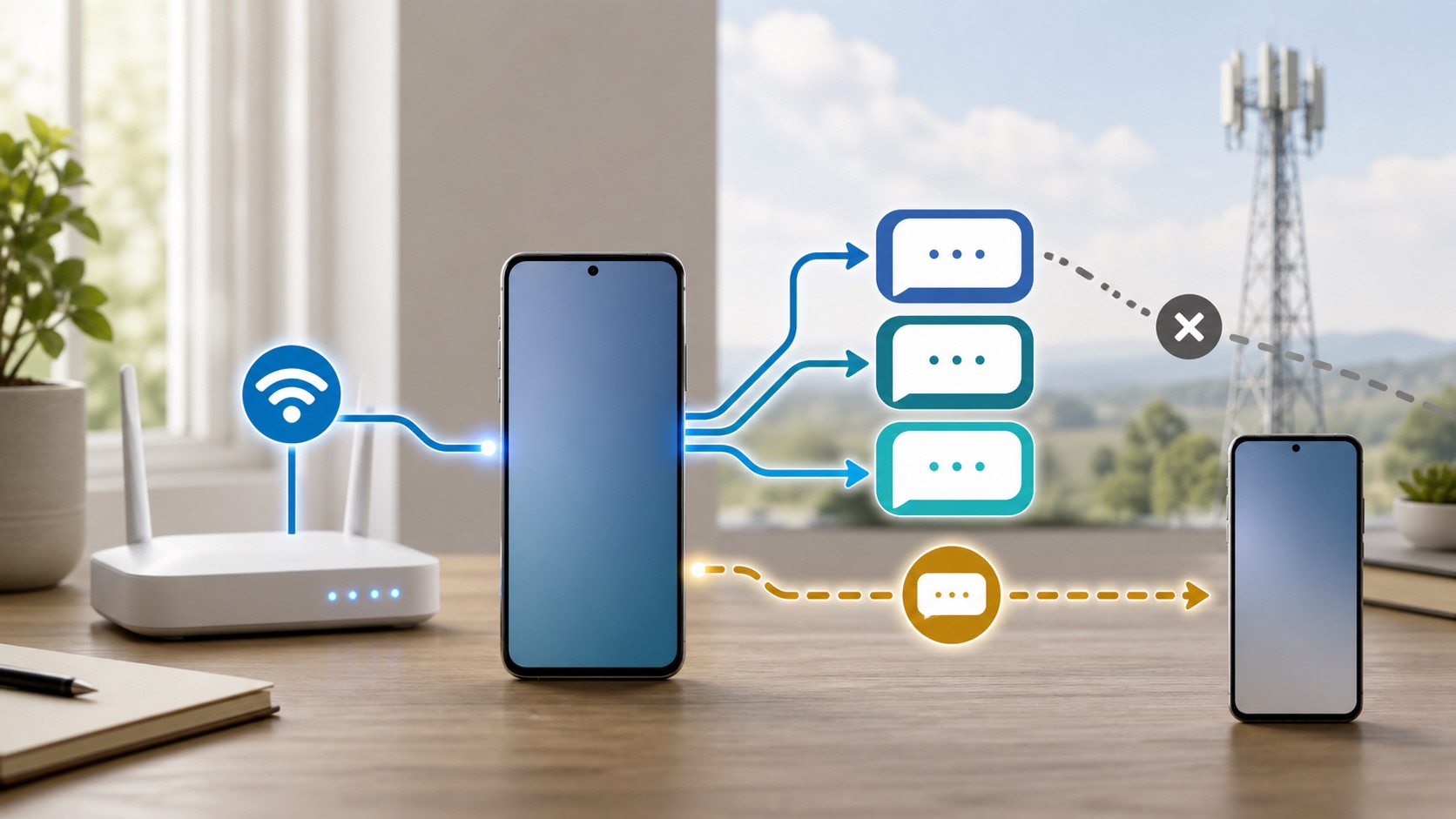
Apple’s iMessage overview says iMessages do not count against the SMS, MMS or RCS allowances in your cellular messaging plan. Cellular data rates can still apply. An unlimited-text plan therefore does not tell you how much mobile internet data you can use.
| Message type | Connection and billing question |
|---|---|
| iMessage, blue bubble | Uses WiFi or cellular data. Check the active data plan, not just the text allowance. |
| RCS, green bubble | Can use WiFi or cellular data. It is a carrier service requiring a supported plan; carrier fees may apply. |
| SMS, green bubble | Uses carrier texting service, normally through the cellular network. Supported WiFi Calling can carry SMS over WiFi. |
| MMS, green bubble | Carrier multimedia messaging. Check carrier support and messaging charges rather than treating it as iMessage. |
Apple’s message-type guide confirms that blue means iMessage and green includes several other services. Its RCS instructions specifically allow RCS over WiFi or cellular data and warn that carrier fees can apply. A green conversation is not proof that it used no data or cost nothing.
Check usage without erasing your existing counters
Start with Settings, Cellular. Apple’s cellular-data instructions explain the app list, System Services and the selected data line on Dual SIM phones. Do not assume Messages always has an independent app switch: Apple says individual System Services cannot be switched off separately.
- Note the current reporting period and which SIM supplies cellular data.
- Record the relevant usage readings. Inspect System Services as well as the app list, without assuming every phone labels messaging identically.
- Compare them after ordinary use over the same period. Do not send a large video just to create a test result.
- Compare the phone with your carrier’s billing-period total. Keep a note of any period mismatch before concluding that the counters disagree.
Apple recommends contacting the carrier for the most accurate billed data use. Resetting the phone’s statistics removes the baseline you were trying to compare, so record it first if you later decide to reset. A before-and-after total can help you spot a pattern; it is not a clean measurement of one message while other services remain active.
Use photo controls rather than a made-up data estimate
A short text and a batch of videos are different workloads. There is no useful single number here for every iMessage. File content, image quality and the messages exchanged vary, and this guide has not measured them. Check your own allowance before a long media-heavy conversation on cellular.
Apple’s current Messages photo guide lists Settings, Apps, Messages, Send Low Quality Photo Previews. The setting sends a smaller preview before the full-resolution image. Apple says only the preview is sent when Low Data Mode is on. Turning on previews alone should not be described as permanently preventing the full image from being sent.
The same guide notes that iPhone may upload attachments while you are composing an iMessage. Waiting to tap Send is therefore not a reliable way to postpone every transfer. If the file can wait, prepare and send it when you have the connection you intend to use. Older software may show different photo-quality labels.
A WiFi icon does not always rule out cellular use
On current software, Connectivity Assist can use cellular data alongside weak or unusable WiFi. Apple places it under Settings, WiFi; it replaces the older Wi-Fi Assist setting. Apple also says it is not used during international roaming or cellular Low Data Mode. Do not blame it for every overseas data charge.
If you need internet traffic to stay off cellular, turning Cellular Data off is clearer than relying on the WiFi icon. Internet services then use WiFi for data, but this is not the same as disabling the phone line or every paid carrier service. Restore cellular data when you need it. For unexpected usage on a connected phone, follow the separate WiFi and mobile-data switching checks.
Check roaming and SMS fallback before travel
iMessage can use a connection abroad, but the internet access still follows the active plan. Apple’s roaming guidance recommends checking international terms with your carrier before departure. With two SIMs, review each line rather than assuming a travel data plan changed the home line’s call and text rules. Our data-roaming on-or-off guide explains that separate decision.
Also review Settings, Apps, Messages, Send as Text Message. Apple’s message-delivery help explains that this can automatically try SMS when iMessage is unavailable. Manually choosing Send as Text Message after a failure can also incur messaging rates. If you disable automatic SMS fallback to avoid that route, accept that an iMessage may remain undelivered. This is not a switch that makes every other carrier message free or blocks all of them.
Treat activation charges as a separate issue
A charge can occur before an ordinary conversation. Apple’s iMessage activation guidance says activating a phone number requires SMS and the carrier may charge for it. If a number is already waiting for verification, Apple says repeated off-and-on toggling is unnecessary. Do not repeatedly reactivate the service as a data-saving experiment.
For an unexpected bill, identify what the carrier actually charged: internet data, an outgoing SMS, roaming access or number activation. Keep the usage entry, time and selected line, then compare the relevant plan terms. That is more useful than arguing from the color of the last message bubble.