
VPN Connected but No Internet? Fix the Tunnel Safely
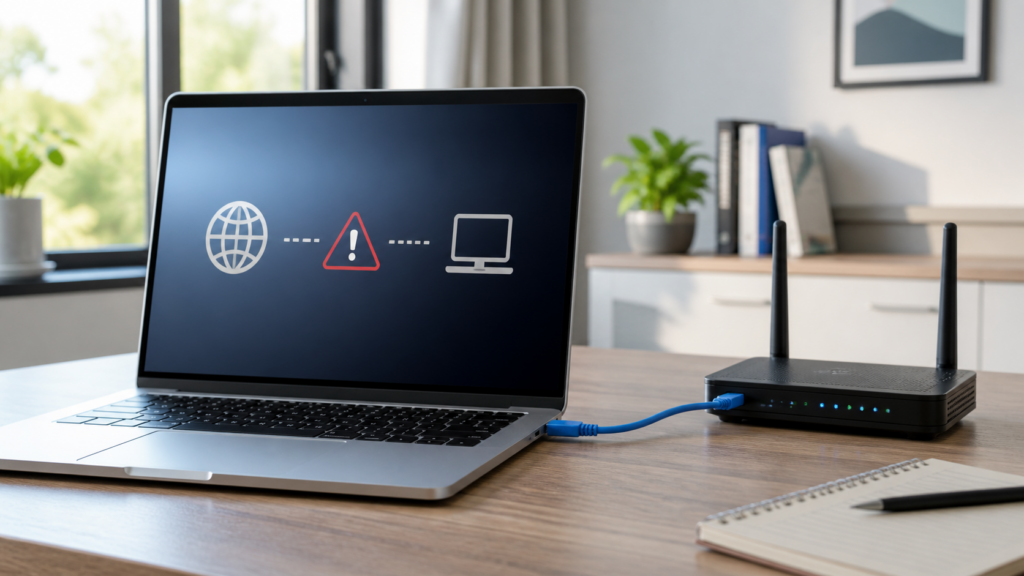
A VPN can show Connected while every website stops loading. That usually means the home connection is still working, but the VPN tunnel, DNS path, or a kill switch is blocking traffic. Test the connection in a safe order: confirm the internet without the VPN, check whether one app or every app is affected, then […]
Phone Hotspot Connected but No Internet? Check Both Devices
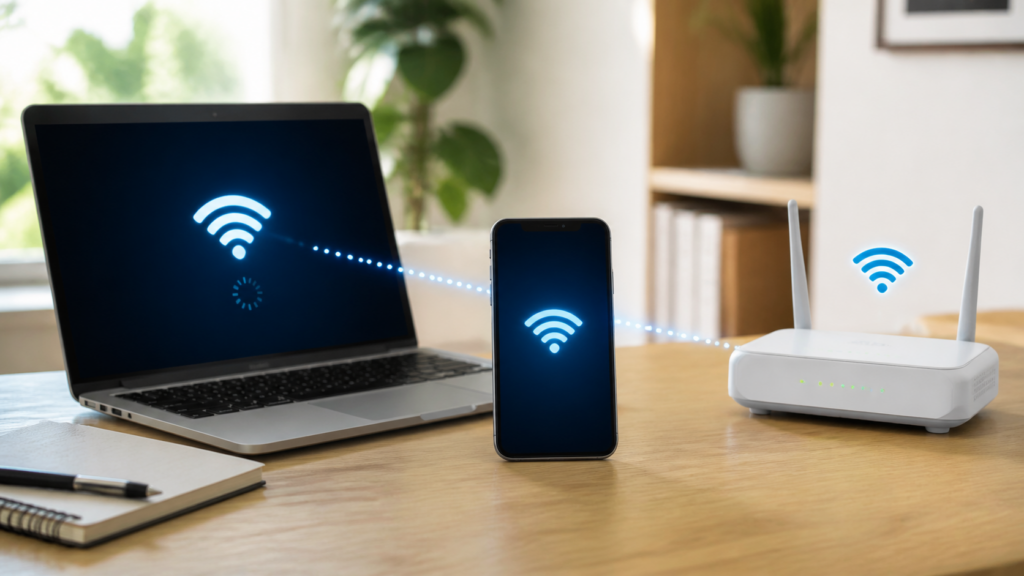
Phone hotspot connected but no internet? Check mobile data, hotspot limits, saved WiFi profiles, VPNs, band settings, and carrier support in order.
Router Internet Light Red but WiFi Is On? Check These Steps
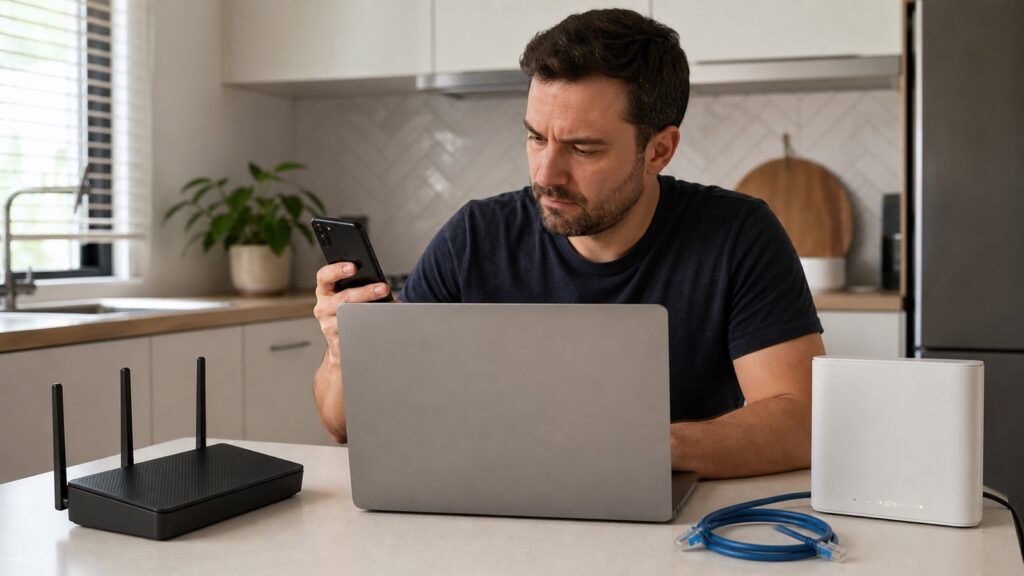
A red Internet or WAN light usually means the router is not detecting a usable connection to the modem, ONT, or ISP. The WiFi radio can stay on because it is a separate local function. Start by finding out whether the problem affects every device, then check the cable path and modem status before changing […]
Ethernet Connected but No Internet on Windows 11? Find the Break
Windows can show an Ethernet link while the route to the internet is broken. Check the cable, IP, gateway, DNS, adapter, and router in that order.
PS5 Keeps Disconnecting from WiFi? Find the Link That Fails
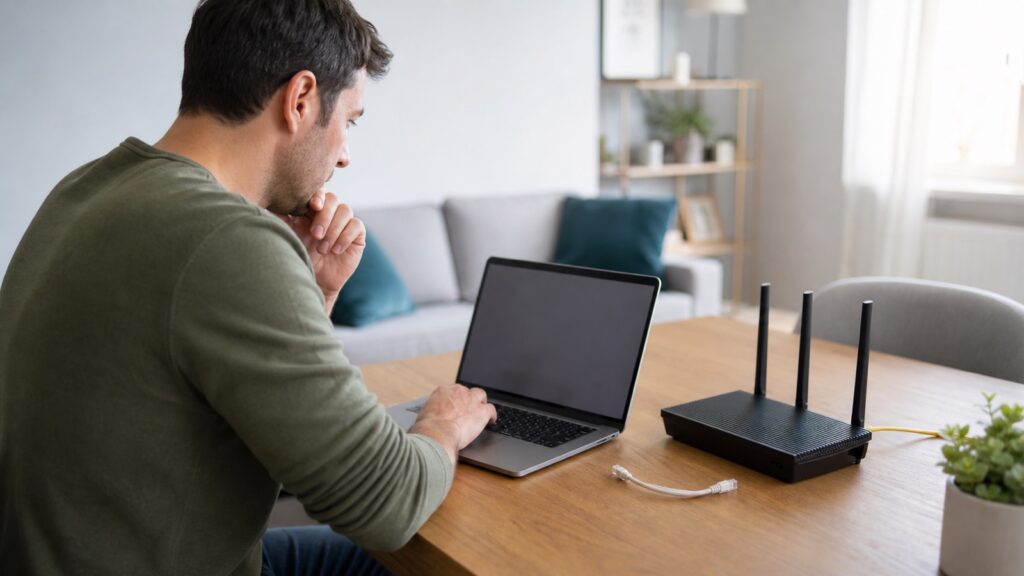
Find out whether a PS5 WiFi disconnect is caused by the console, wireless path, router, NAT, PlayStation Network, or ISP before changing advanced settings.
Hotel WiFi Login Page Not Showing? Try These Safe Fixes
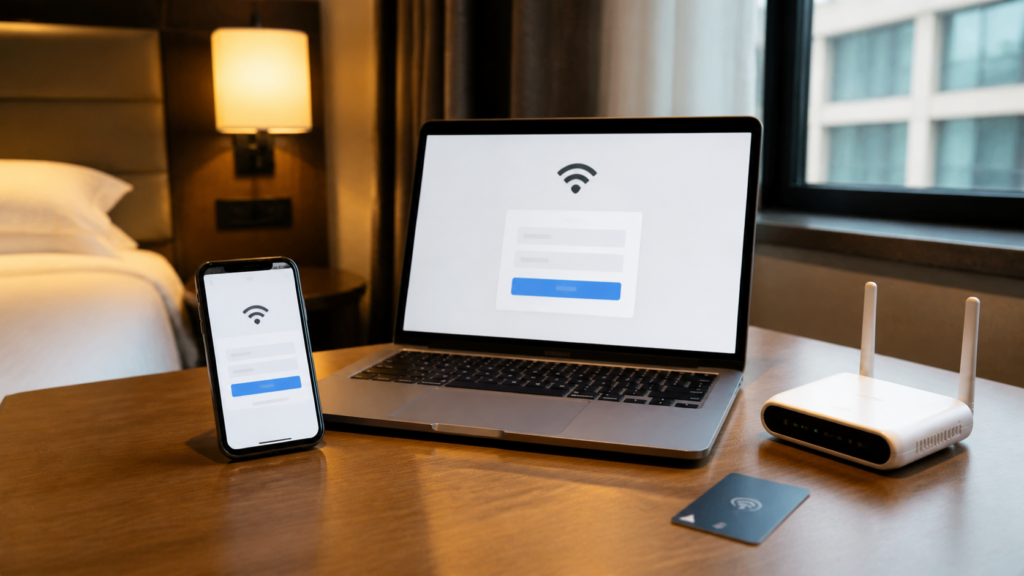
A hotel WiFi connection can be active before the browser sign-in is complete. Use a clean comparison before changing device settings.
iPhone Connected to WiFi but No Internet? Fix the Right Link
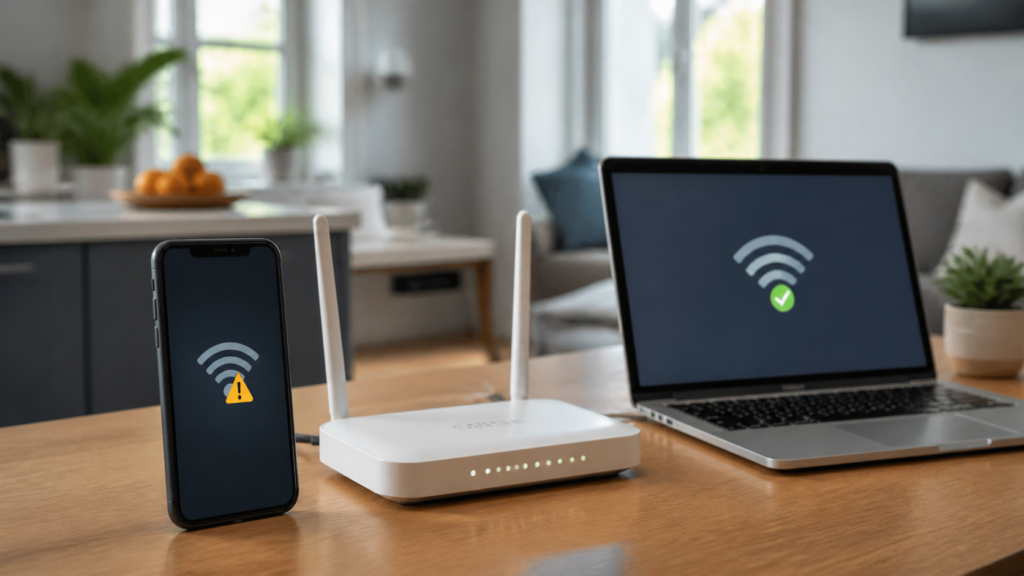
An iPhone can connect to a router while the router or a phone setting blocks internet access. Use device, app, network, and VPN comparisons before a reset.
2.4 GHz vs 5 GHz for Gaming: Choose the More Stable Band
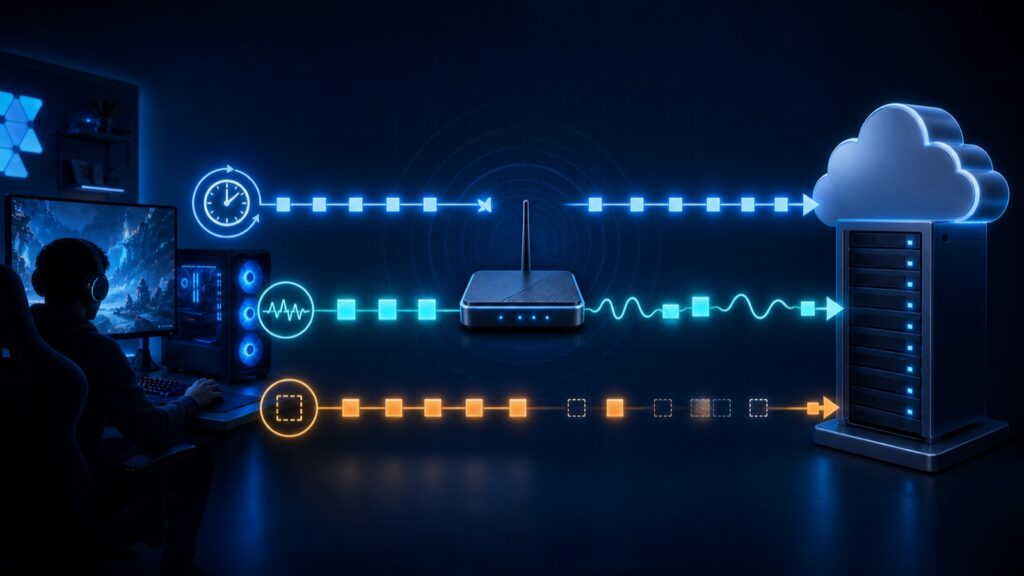
5 GHz is usually best near the router, while 2.4 GHz may be steadier through walls. Compare both bands by ping, jitter, and packet loss instead of download speed alone.
192.168.1.1 Not Opening? Find Your Router’s Real Login Address
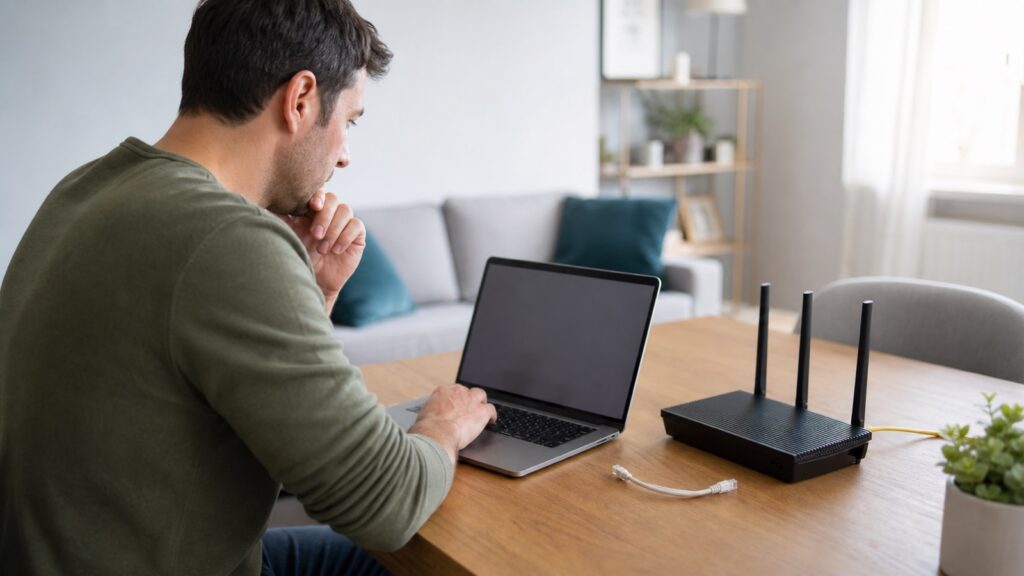
If 192.168.1.1 will not open, confirm the network, enter the address correctly, and find the actual Default Gateway before resetting anything.
Internet Slow at Night? Find the Bottleneck Before You Upgrade
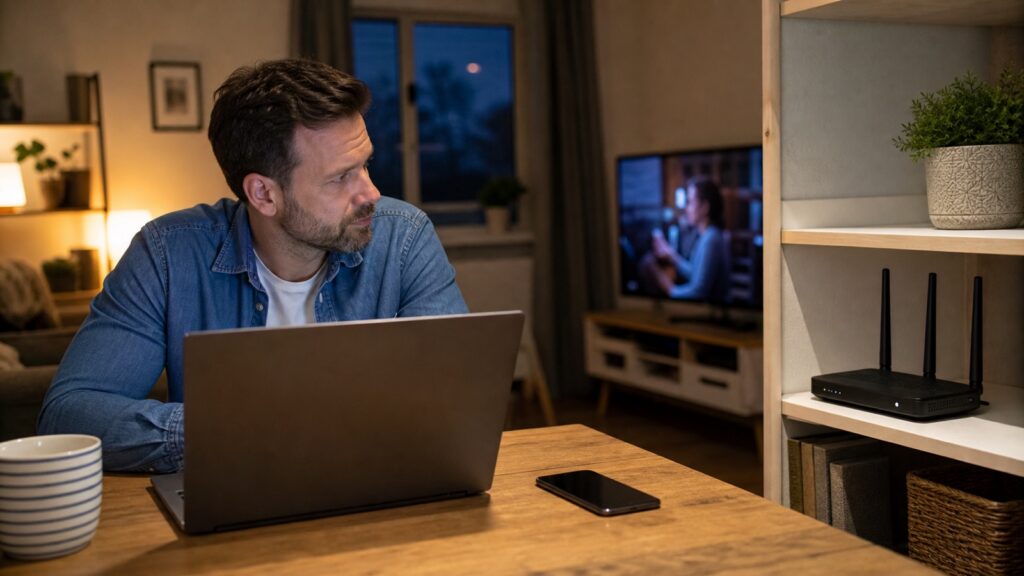
Internet slow at night? Compare wired, WiFi, quiet-hour, and busy-hour tests to find out whether the bottleneck is at home or with your ISP.
