
Mac Connected to WiFi but No Internet? Fix It
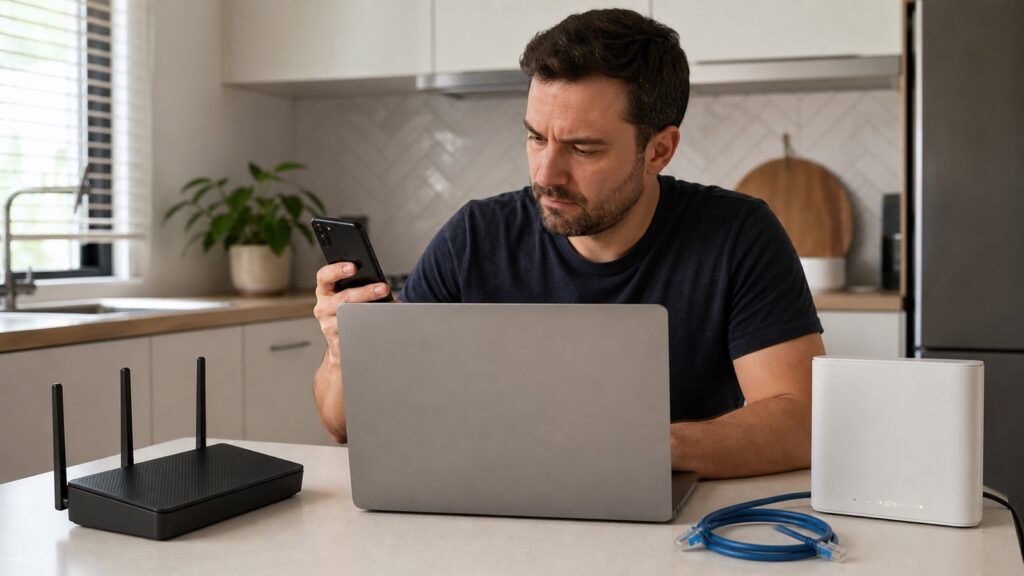
If your Mac says it is connected to WiFi but websites will not load, first check whether other devices still have internet. If a phone and TV work normally, focus on the Mac’s saved network, address, VPN, or DNS settings. If every device fails, use a router and provider check instead. Start with a two-device […]
Router Keeps Restarting? Check Heat and Power First
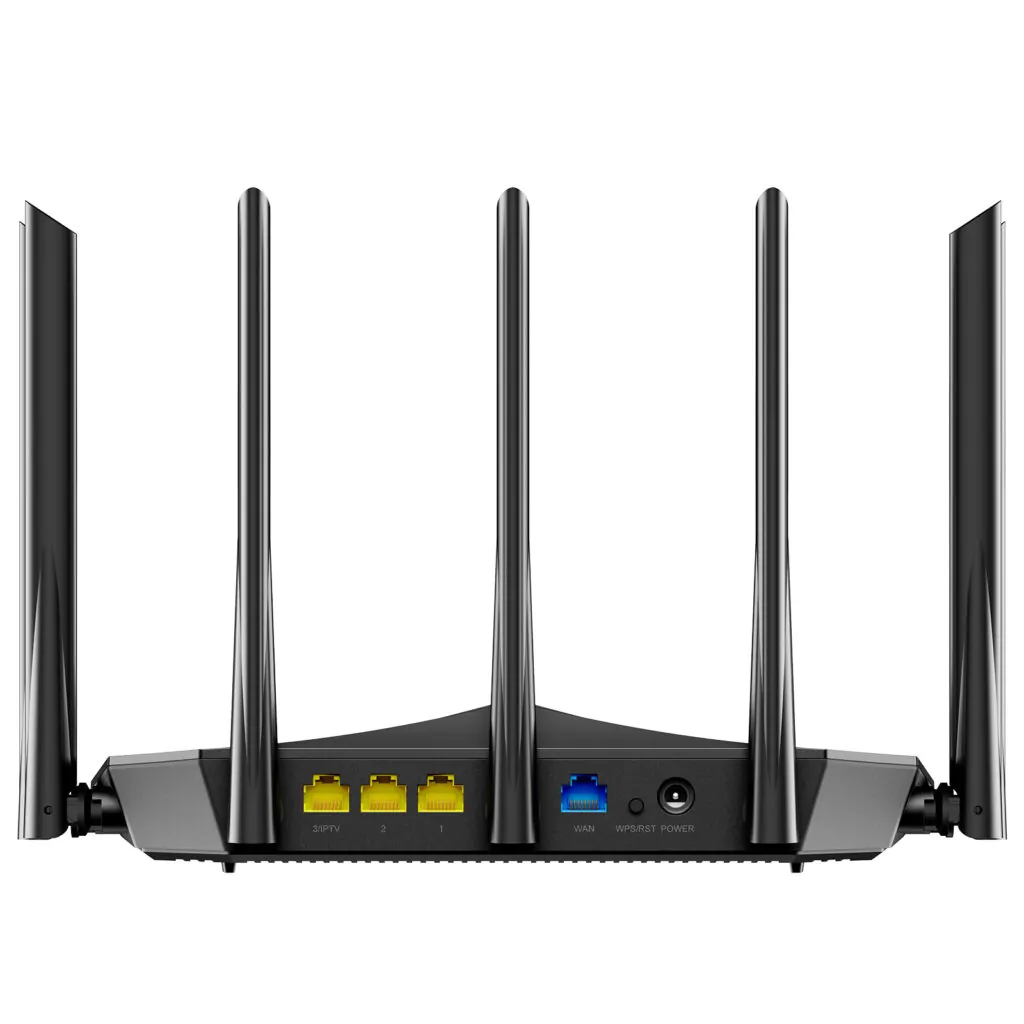
A router that restarts by itself can make every device disappear for a few minutes. Heat, an unreliable power adapter, outdated firmware, or a failing component are common causes. Start with the safe checks below and watch whether the restart happens during heavy use, after the router gets hot, or at a regular scheduled time. […]
Is It WiFi or an Internet Outage? Find the Break
When the internet stops working, the fastest first question is whether the problem is inside your home or outside it. Check more than one device, the modem or fiber gateway status, and your provider’s outage information before changing WiFi settings. This quick split can prevent a factory reset when the line itself is down. Start […]
WiFi Network Not Showing on Your Phone? Find the Cause
If your home WiFi name is missing from the phone’s network list, start by separating a phone problem from a router problem. Check whether another device can see the same network, then work through the radio, band, and saved-network settings. This order avoids changing the router when only one phone is affected. Check whether the […]
Nintendo Switch Keeps Disconnecting from WiFi? Find the Cause
If your Nintendo Switch drops WiFi during a game, first check whether the console is the only device losing the connection. Test a phone in the same room, then run the Switch connection test. This separates a console setting or signal problem from a router or internet outage. Check another device when the drop happens […]
Smart TV Connected to WiFi but No Internet? Fix It
If your smart TV says it is connected to WiFi but apps will not load, first check whether the problem is limited to the TV. Open a webpage on a phone using the same network, then run the TV’s built-in network test. Those two checks separate a home internet outage from a TV connection, DNS, […]
Chromebook Connected to WiFi but No Internet? Try These Steps
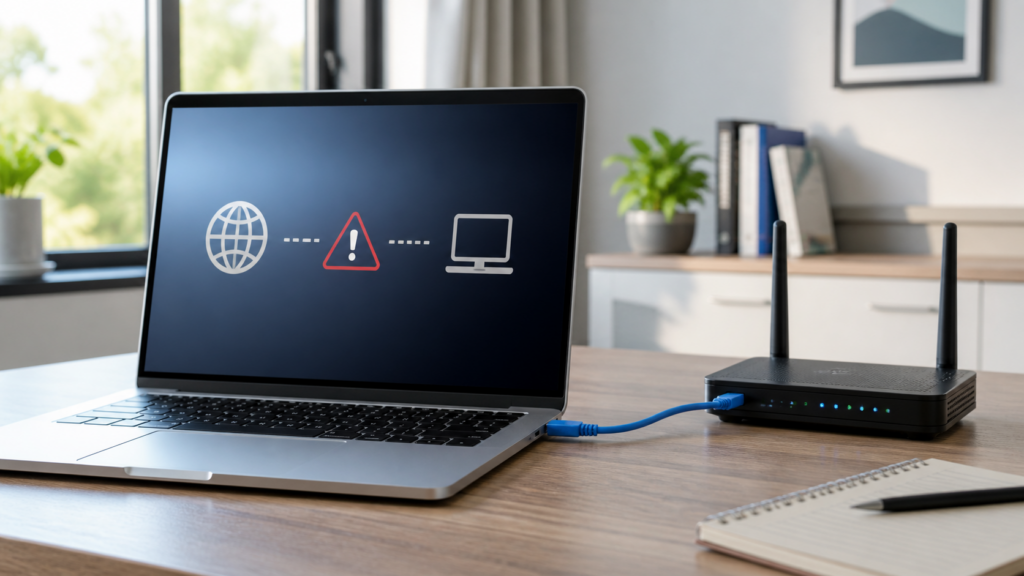
A Chromebook can show a WiFi connection while pages and apps still report no internet. The fastest way to find the cause is to test another device on the same network, then test the Chromebook on a different network. That separates a router or ISP problem from a ChromeOS profile, captive portal, or DNS issue. […]
Android Connected to WiFi but No Internet? Try These Fixes
If your Android phone says it is connected to WiFi but apps cannot load, first find out whether the problem is the phone or the home network. Check another device on the same WiFi, then work through the phone’s saved network, VPN or Private DNS, time settings, and network reset. These steps are safer than […]
Printer Connected to WiFi but Not Printing? Find the Break
If a printer says it is connected to WiFi but nothing prints, the wireless link is only one part of the path. The printer can join the router while your computer uses a different network, the print queue is stuck, or the device has an old address. Work from the printer outward so you do […]
Video Calls Keep Freezing but Speed Test Is Fast? Fix It
Video calls can freeze even when a speed test shows a fast download number. A speed test is a short measurement to one test server, while a call needs steady upload, low delay, and few interruptions for many minutes. Start by checking whether the problem affects one device or the whole home, then test the […]
