Choose Google Translate if you use Android or need a language that Apple Translate does not support. On an iPhone, Apple Translate is worth trying when it covers your language pair, especially for conversations with downloaded languages. Both apps can translate offline, but downloading a language does not make every camera, voice or headphone feature work without internet.
This comparison uses official app listings and help pages checked November 4, 2026, for U.S. readers. Apple settings below refer to iOS 27. It is a feature and travel-preparation guide, not an accuracy or battery-life test.
Google Translate vs Apple Translate at a glance
| What you need | Google Translate | Apple Translate |
|---|---|---|
| An app for an Android phone | Available on Android and iPhone | The Apple app is for Apple devices |
| Typed translation without a connection | Download supported languages first | Download supported languages first |
| Menus, signs or a saved photo | Camera and photo translation; offline camera needs supported downloads | Camera and photo translation; check your particular task offline before relying on it |
| A spoken conversation | Live Translate includes conversation and face-to-face views on iPhone; offline live support has separate restrictions | Conversation mode works offline with downloaded languages, according to Apple’s guide |
| A free app download | The U.S. App Store lists it as Free | The U.S. App Store lists it as Free |
Start with the language you actually need. The Google Translate app listing has a broader translation catalog than the Apple Translate listing, but an app’s total language count does not tell you whether a particular language supports offline downloads or voice. Check the feature, not just the name in a language list.
Offline translation: download before you leave
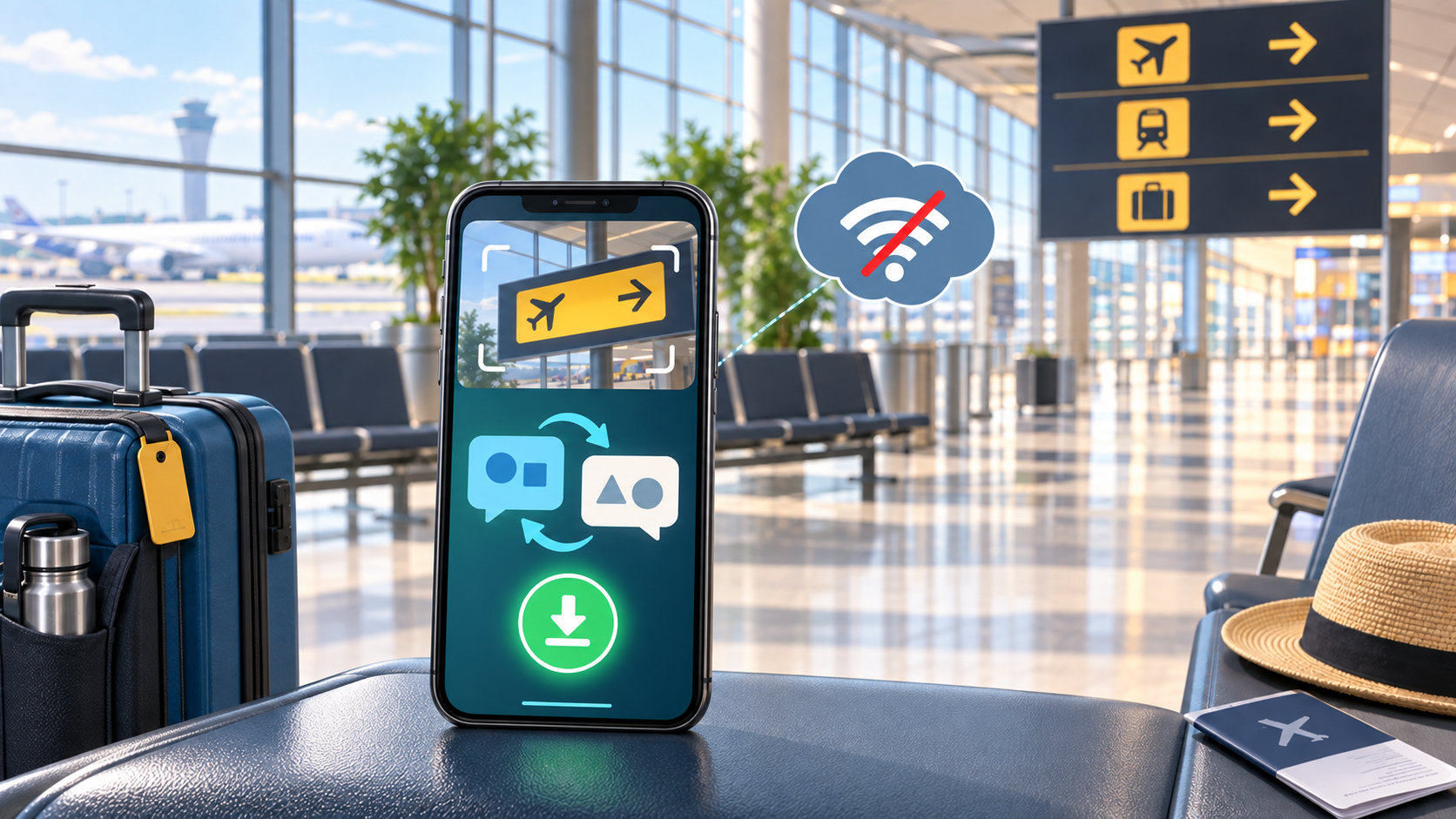
For Google Translate on an iPhone, connect to Wi-Fi, open a language selector and look for its download button. Google says a language without that button cannot be downloaded. Its iPhone offline-language instructions also explain how to update or remove saved packs under Settings > Offline translation. Make sure both sides of your intended translation are ready.
Google’s Android download instructions use the language selector too. Android also has a downloaded-language data setting that can allow mobile downloads. Choose Wi-Fi if you do not want a language-pack download to use your phone allowance.
On an iPhone running iOS 27, Apple’s Translate settings guide puts downloads under Settings > Apps > Translate > Languages. Download your required languages there. The same settings page has On-Device Translation with two choices: Automatic uses downloaded languages locally but can use Apple’s servers for other languages; Always uses downloaded languages on the device.
That makes Always a useful choice when your priority is keeping translation on the phone, provided the needed downloads are available. It is not a switch that adds unsupported languages. Older iOS versions can have different labels, so follow the options on your own phone rather than hunting for a missing iOS 27 menu.
Camera translation: menus and photos need their own check
Both apps can translate text seen through the camera and text in a saved image. Google’s iPhone camera-translation guide specifically says to download both the source and destination languages for offline camera translation. In the app, select the languages, open Camera and either point at the text or select an image from the gallery.
Apple’s camera and photo translation instructions cover live camera text, freezing the image and selecting a photo from your library. They do not establish that every supported camera task works offline. Try the exact language pair and photo workflow with Wi-Fi and cellular data off before depending on it during a trip.
For a menu, frame the item name and its description clearly rather than the whole page at once. Google’s guide warns that unclear or stylized text can affect results. If you instead want to identify an object or search for something you see, that is a different task; our Circle to Search vs Google Lens comparison covers visual search. Neither a translated menu nor a search result is a guarantee about ingredients.
Voice and headphones: do not assume offline support
Google’s current iPhone Live Translate instructions include headphone and no-headphone use, Conversation mode and a face-to-face view. An older comparison that says Google Translate cannot show a face-to-face conversation on an iPhone no longer describes the current help page. This does not mean every one of those modes works offline.
Offline live translation is a separate capability. Google’s Android Live Translate guide currently limits it to Pixel 9, 10 and 11 phones and selected language pairs with English. A text-language download on another Android phone or an iPhone is not proof of offline live speech support.
Apple’s face-to-face conversation guide explicitly says Conversation works with downloaded languages without an internet connection. Open Conversation, choose the languages, then type or use the listening button. The face-to-face view lets each person read from their own side of the screen.
Try an ordinary back-and-forth exchange before you leave. If you plan to listen through earbuds, repeat the check with those earbuds connected. A phone’s Translate app, an earbud live-translation feature and translation during a phone call are different workflows; do not buy hardware because a comparison lumps them together.
Cost and the four checks to make before a trip
Both U.S. App Store listings show a free download. That does not include your mobile service or make roaming free. Download language packs on Wi-Fi first, then decide whether you need online translation while away. Check your carrier or travel eSIM’s terms separately; our data roaming on or off guide explains the line-specific settings and why calls and texts need a separate check.
- Update the app and check both languages in the feature you intend to use. A listed language is not automatically an available offline download.
- Download the available packs over Wi-Fi. Keep a few important addresses or phrases in a form you can open without a connection.
- Turn off Wi-Fi and cellular data, then try a new typed phrase, a sample photo and a spoken exchange separately. Note which tasks fail instead of treating one success as proof of everything.
- Restore your connections after the check. If a needed task only works online, arrange an affordable data option or a non-app fallback before departure.
Use Google Translate when its language or device support solves a need Apple does not cover. Use Apple Translate when your required languages and conversation workflow work on your iPhone, including offline if that matters. A successful check on your own phone is more useful for travel planning than an unsupported claim that either app is always more accurate.